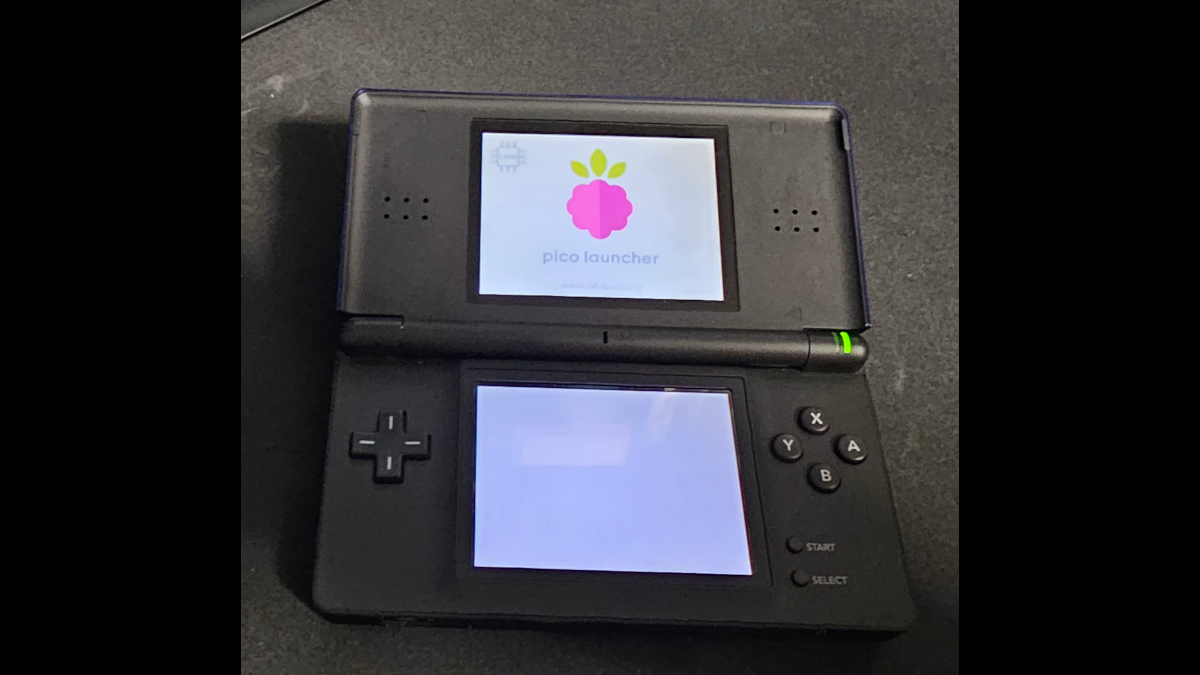
Sometimes it’s the little things in life. For Nintendo DS owners using a DSpico flashcart, switching between games normally means restarting the console. It’s not the end of the world, but it’s an inconvenience that developer Rich of VideoGameMore decided to address.
The result is DSPico QuickReturn, a free, open-source modification of LNH Team’s Pico Loader and Pico Launcher that lets players return to the game-selection menu without restarting their Nintendo DS. This is an independent community modification, not an official LNH Team release.
For those unfamiliar with DSpico, it’s a flashcart that loads compatible Nintendo DS games and homebrew software from a microSD card. You still select and launch games through the Pico menu, but QuickReturn lets you get back to that menu without restarting your console.
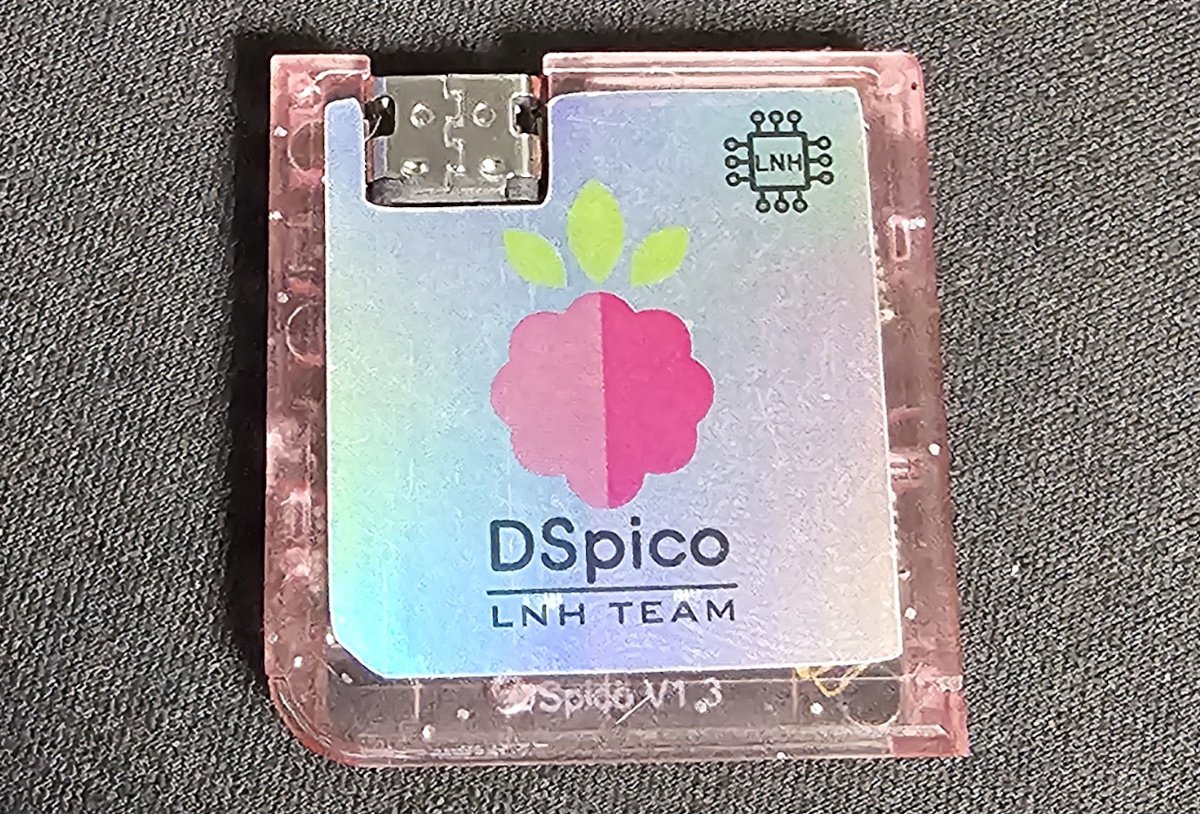
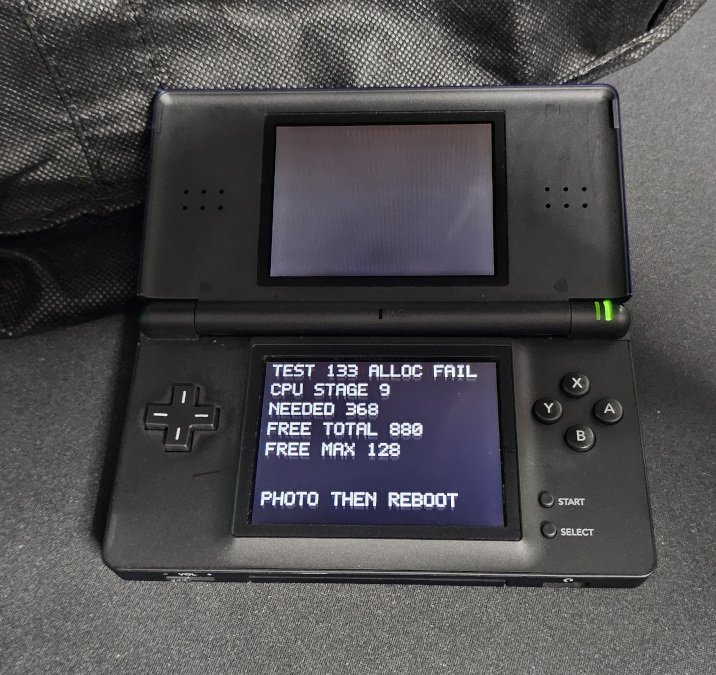
Photos courtesy of VideoGameMore. Right: Build 133 development diagnostics.
Ask those who know me, I’m a simpleton. QuickReturn seems made for someone with my limited skills. While playing a game, hold L + R + Down + Select for approximately half a second to request a return to the Pico menu. From there, you can launch another game.
Warning: QuickReturn does not save your progress, so save normally before using it. This isn’t a save-state feature, and you shouldn’t activate the shortcut while a game is writing save data.
The return isn’t necessarily immediate, either. Depending on the game, you may need to wait for a screen transition or enter gameplay before QuickReturn can bring you back to the menu.
In correspondence with PlayItAgain.gg, Rich explained that developing QuickReturn was considerably more challenging than the four-button shortcut might suggest. He used Codex to help develop and debug the changes, testing numbered builds on his Nintendo DS Lite. Early attempts ranged from games ignoring the shortcut to white-screen freezes and graphical corruption.
One particular problem involved the Nintendo DS’s limited memory. The diagnostic screen pictured above shows 880 bytes available, but the largest individual free block was only 128 bytes. The software required 368 contiguous bytes, so the allocation failed despite sufficient overall memory. Rich worked around these limitations by splitting the return code into smaller pieces and adjusting how memory was allocated.
Another challenge involved coordinating the Nintendo DS’s ARM7 and ARM9 processors. Getting both processors to cooperate during the return required several changes, including how the system handled storage access. Eventually, Rich resolved the remaining return failure in his development testing, allowing games to return to the Pico menu without restarting the console.
With Build 139, Rich has completed a 360-title compatibility test on a Nintendo DS Lite using a DSpico flashcart. The results are encouraging, with 299 titles passing, 57 showing issues, and four unable to be tested without additional accessories.
Of the reported issues, 54 games boot but don’t respond to the shortcut. Other exceptions include Contact, which has a partial return issue, Animal Crossing, which can return to an empty game list, and Pokémon Dash, which encounters a white-screen boot failure.
The testing focused on whether games could launch, return to the Pico menu, and launch another game. That doesn’t mean every game was tested from start to finish or that saving works perfectly. Some successful results were inferred from the overall testing, and other DS models, DSi modes, and flashcarts haven’t been tested yet.
DSPico QuickReturn Build 139 is available at VideoGameMore’s GitHub releases page. The package includes the launcher, loaders, themes, and databases required for an SD card installation. Existing users should back up their microSD card, including games and saves, before updating.
Need help getting started? Rich has published a DSPico QuickReturn installation guide covering fresh installations, updates, and troubleshooting. Installing the SD-card software is separate from flashing the flashcart’s firmware.
For those interested in the testing results, VideoGameMore has also published a complete 360-title compatibility table, including known issues and retesting history.
It’s a small improvement on paper, but one that could make switching between Nintendo DS games considerably more convenient. And it’s another example of community developers finding new ways to improve older gaming hardware.
| VideoGameMore Releases | DSPico QuickReturn Build 139, downloads, release notes, and technical development details. |
| Installation Guide | Official QuickReturn installation, updating, and troubleshooting instructions. |
| Compatibility Testing | 360-title Nintendo DS Lite compatibility results, known issues, and retesting history. |
| DSPico QuickReturn GitHub | Open-source project repository, documentation, and source code. |
| LNH Team | Original Pico Loader project and foundation for QuickReturn. Also see Pico Launcher. |
| VideoGameMore YouTube | QuickReturn installation walkthrough and demonstration. |
| Developer Correspondence | Development challenges and testing information provided directly to PlayItAgain.gg by Rich of VideoGameMore. |
| Image Credit | Images courtesy of VideoGameMore, provided with permission for use on PlayItAgain.gg. |