These devs clearly don’t realize that this one-man show works a full-time job, enjoys a little family time, plays the occasional game, and somehow tries to piece together another handheld review.
Can we slow down with the updates? Just for me?
No? Okay, fine. Here comes another update.
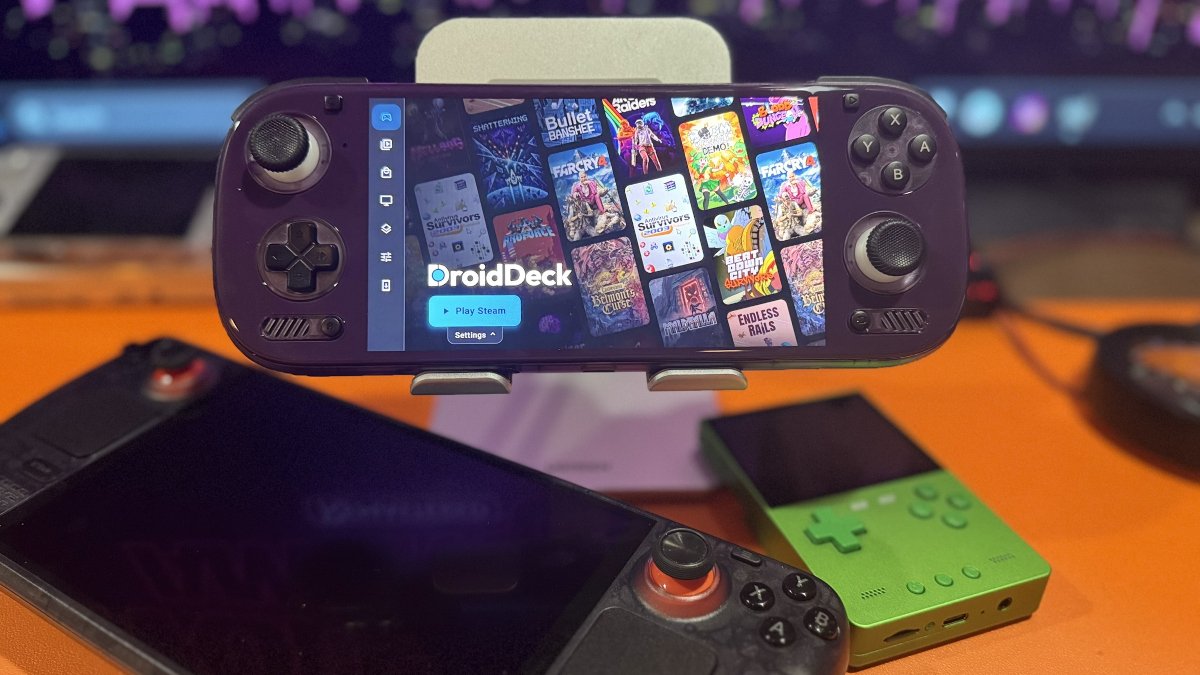
DroidDeck 0.6.7 is out with a redesigned game library, new storefront integrations, performance improvements, and several quality-of-life changes.
I’ve spent a fair amount of time with DroidDeck across several handhelds, most recently the Odin 3. While I’ve been impressed with what the software can accomplish, the experience hasn’t always been smooth. The interface has occasionally felt sluggish, and game installations haven’t always gone according to plan.
Hopefully, version 0.6.7 addresses some of these issues. I’m testing the update as I write this, but let’s get the facts out of the way so I can get back to it.
DroidDeck now features a unified game library with support for Steam, GOG, Epic Games, Amazon Games, Xbox, and itch.io. This should feel familiar to anyone who has used GameNative.
At some point, I really should write a comparison article between the two. But what would be the point? By the time I finished it, they’d both have released another update. Honestly, some aspects of these apps are starting to look remarkably similar, which makes sense considering that some developers contribute to both projects.
The redesigned library includes larger game artwork, individual game pages, and storefront filters. What’s a better way to spend the night than load up DroidDeck and get choice paralysis? I’m here for it.
Xbox Cloud Gaming and Battle.net support are also new additions.
Xbox Cloud Gaming lets you stream supported games without installing them locally. DroidDeck offers both a standard web player and an optional native player with additional settings.
Battle.net support brings access to Blizzard’s PC games, including Diablo IV and Diablo II: Resurrected. Are people still gaming on Battle.net? Apparently, DroidDeck thinks so!
Performance is another focus of version 0.6.7. According to the developers, a game limited to 60 FPS consumed approximately 7.1 watts during testing, compared with 9.5 watts previously. That’s roughly a 25% reduction in power consumption. The update also includes improvements to frame pacing, CPU management, and game compatibility.
Sleep and suspend have received attention as well. The developers report that an overnight test consumed just 2% battery while a game remained suspended. There’s also a new Pause option for temporarily stopping a session.
I’m particularly interested in testing these improvements on the Odin 3, where reliable sleep and suspend support would be a welcome addition.
Version 0.6.7 looks promising, so it’s back to testing.
And here I thought I was getting closer to finishing that Odin 3 review.
| Game Stores & Compatibility | |
|---|---|
| itch.io Improvements | Expanded game browsing, additional filters, installation options, and automatic update checks. |
| GOG Game Management | Added game updates, repair options, and support for offline patches. |
| Ubisoft Connect Fixes | Fixed installation and launch issues affecting games that require Ubisoft Connect. |
| Performance & Controls | |
| DroidDeck HUD | New customizable performance overlay with multiple layouts, adjustable appearance, and system performance information. |
| DroidDeck-Proton | Now the default Proton option, with automatic updates and support for existing game profiles. |
| Per-Game CPU Settings | Advanced option to control which CPU cores individual games can use. |
| Memory Controls | New RAM and VRAM limits for users who want greater control over resource usage. |
| Steam Input Fixes | Corrected mouse clicks, scrolling, and pointer movement in supported games. |
| Interface & Quality of Life | |
| Android App Launcher | Added search, sorting, folders, widgets, and additional customization options. |
| Portrait Mode | Support for portrait orientation in the launcher and game sessions. |
| Installation Setup | Improved setup guide for Android permissions and wireless debugging. |
| Storage Options | Set a default installation location and access additional external storage devices. |
| Steam Downloads | Improved download progress, retry behavior, and recovery from interrupted transfers. |
| On-Screen Keys | Create custom buttons for keyboard keys and shortcuts during game sessions. |
| Dual-Screen Support | Improved support for AYN Thor and Retroid Pocket Duo, with lower-screen navigation, keyboard input, and session controls. |
| Linux Environment | Updated to Ubuntu 26.04 LTS, with an optional Kubuntu Plasma desktop, software installation tools, and access to selected Android folders. |
| DroidDeck | Official version 0.6.7 release notes |
| GitHub | Official DroidDeck 0.6.7 release |
| Read My Coverage | Previous PlayItAgain.gg coverage of DroidDeck |