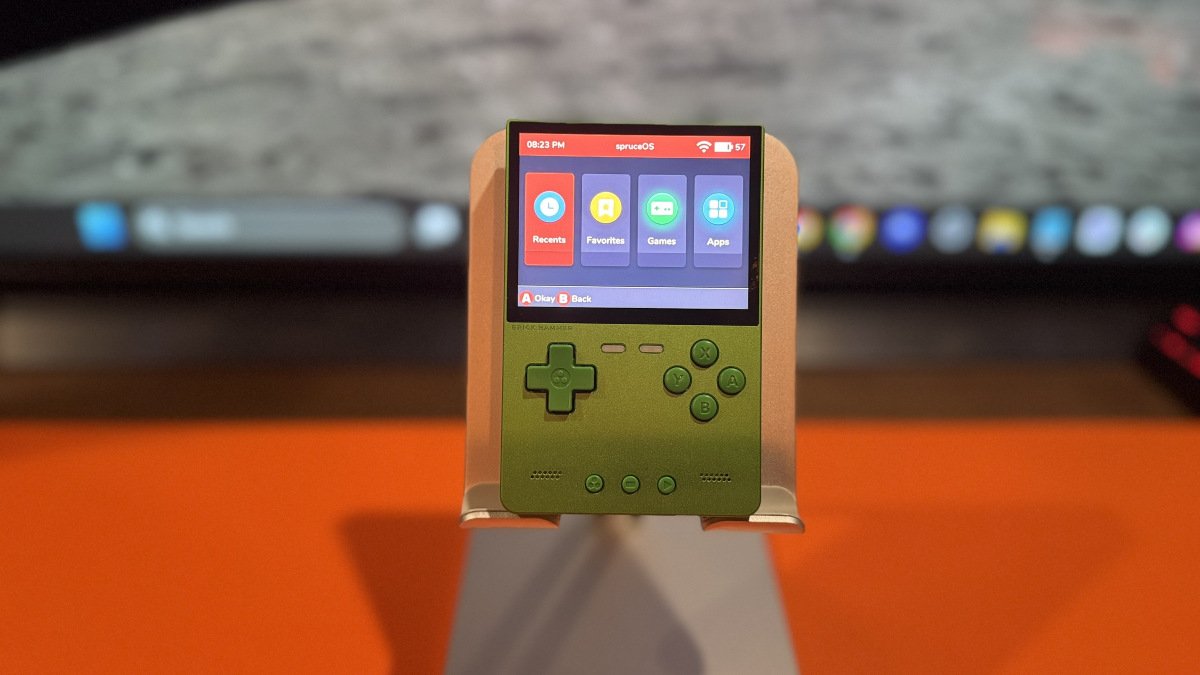
The devs behind spruceOS have been busy of late, and of course, we appreciate their hard work. Version 4.5.0 recently dropped, and there’s some stuff to go over, so both you and I are aware. Oh, btw, this might resonate with parents who had kids who grew up watching Scooby-Doo, but every time I see spruceOS, I start singing, “High in the mountains, low in the spruce!”
A major addition to this update is offline RetroAchievements support. For you achievement hunters, supported games can now be cached when you’re connected to Wi-Fi, allowing you to continue earning achievements when you’re offline. Bragging rights don’t take a day off, not even when you’re in the air traveling.
The PowKiddy RGB30, RGB20SX, and Miniloong Pocket 1 are now considered stable with spruceOS 4.5.0. These devices use dArkMoss, the spruce team’s fork of dArkOS, as their underlying operating system. spruce then runs from the second SD card, similar to how BaseOS is used on supported Anbernic handhelds.
Support for the MagicX XU20, Zero 28, and Zero 40 remains under active development, with testers currently being sought for these devices.
There are plenty of Bluetooth updates as well. Users can now pair, connect, disconnect, and forget Bluetooth devices from within spruceOS. When a headset is connected, the audio output automatically switches to the headset, and previously connected devices can reconnect when you boot the handheld. For those paranoid about connections, there’s now a Bluetooth icon in the top bar that lets you know when a device is connected. Bluetooth is supported on TrimUI devices, Anbernic XX handhelds, the RGB20SX, and Miniloong.
It’s good to see the team’s growing list of supported handhelds, as spruceOS is one of my favorites. When gaming on the TrimUI Brick Hammer, the experience is heightened by the intuitiveness and responsiveness of this custom firmware.
Read the table below for a full list of features included in this update.
| Offline RetroAchievements | Cache supported games while online, earn achievements without Wi-Fi, and sync your progress later. |
| New Stable Devices | PowKiddy RGB30, RGB20SX, and Miniloong Pocket 1 support is now considered stable. |
| Bluetooth | Expanded pairing, connecting, disconnecting, and device management, including improved Bluetooth audio support. |
| USB Storage Mode | Added for supported Anbernic XX and dArkMoss devices. |
| In-Game Menu | The in-game menu can now be customized through the theme system. |
| Emulator Updates | DSperate updated to v3.0 and gpSP updated to v1.1.0. |
| PortMaster | Updated to the 2026.10.01 beta bundle. |
| Theme Improvements | Higher-resolution SPRUCE artwork and expanded game-list layout and description options. |
| Controls | Menus can now be navigated with either analog stick, along with additional device-specific control options. |
| RGB Controls | Expanded LED settings and effects on supported handhelds. |
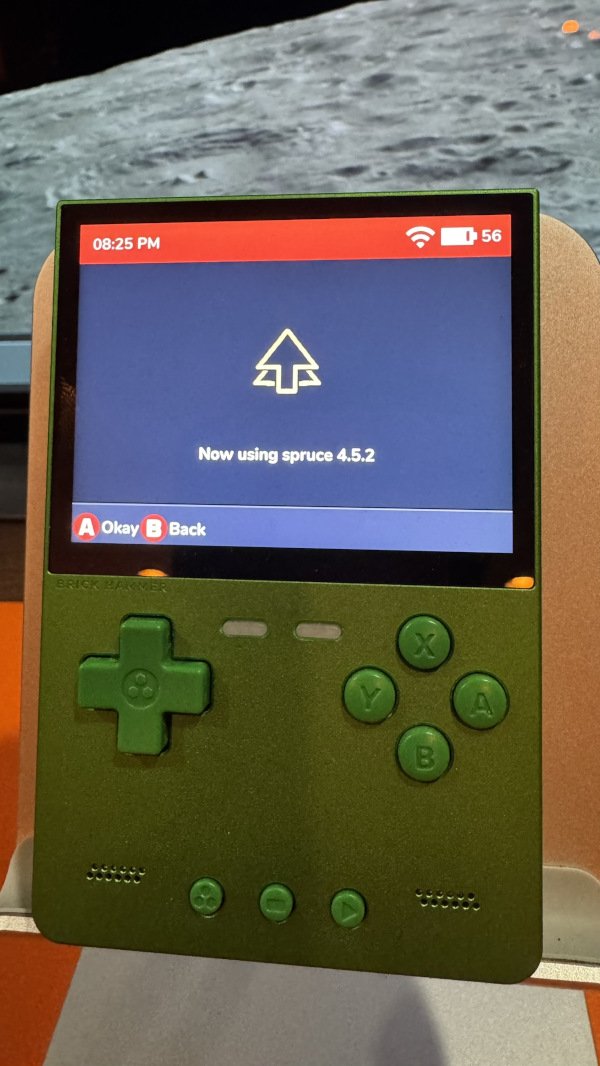
| Latest Release | spruceOS 4.5.2 was released shortly after 4.5.0 as a minor update containing additional bug fixes. If you’re installing spruceOS now, download 4.5.2 rather than 4.5.0. |
| Already on 4.5.0? | An incremental OTA update is available specifically for updating spruceOS 4.5.0 to 4.5.2. |
| Installer | The official spruceOS Installer is available for Windows, macOS, and Linux and can automatically download and install the latest release. |
| Manual Installation | Download the latest release, extract it to your PC using 7-Zip, and copy the contents to a blank FAT32-formatted SD card. |
| RGB30 / RGB20SX / Miniloong | These devices require dArkMoss on TF1. A standard spruceOS installation is used on TF2. |
| Download | Download the latest spruceOS release from GitHub . |
| Installation Guide | View the official spruceOS Wiki for additional installation and device information. |
| spruceOS GitHub | Official spruceOS release notes and downloads. |
| spruceOS Wiki | Official documentation, supported devices, installation information, and FAQs. |