The Clamshell Wars Have Another Contender: Software
I should copyright the Clamshell Wars of 2026 before someone else formally snags the idea.
If you’ve been following the retro handheld scene lately, you’ve probably noticed that the tongue-in-cheek clamshell wars are raging on with no end in sight.
Between the AYN Thor, AYANEO Pocket DS, and Retroid’s growing lineup of dual-screen devices, there’s certainly no shortage of contenders. Throw Anbernic into the mix with the RG DS, RG DS Plus, and now RG DDS, and it seems manufacturers are determined to give us more ways to relive the DS era.
I’m not complaining, but my wallet is, and thus my wife is too.
Understandably, most people get more hot and bothered by the physical devices themselves. Maybe. it just feels larger in the hand!
Social media is buzzing with comparisons of screen sizes, processors, and price tags. All the while, something interesting is happening on the software side of things that deserves our attention. Developers are working to improve how DS games look, play, and behave on modern handhelds.
Enter SeedlessDS, a DS emulator for Android that recently reached version 1.0.0.
So why do we need another DS emulator when DraStic has been around for years and melonDS continues to receive development?
It’s a question I didn’t immediately have an answer to, so I decided to spend some time educating myself before sharing my thoughts and findings. As it turns out, the answer becomes a lot more interesting when you start looking at SeedlessDS’s relationship with those projects.
Why SeedlessDS, and Why Now?
For years, DraStic has been one of the more popular DS emulators. It’s lightweight, runs well on modest hardware, and has earned a reputation for reliability. Meanwhile, melonDS has continued to evolve as an open-source alternative.
So where does SeedlessDS fit into all of this?
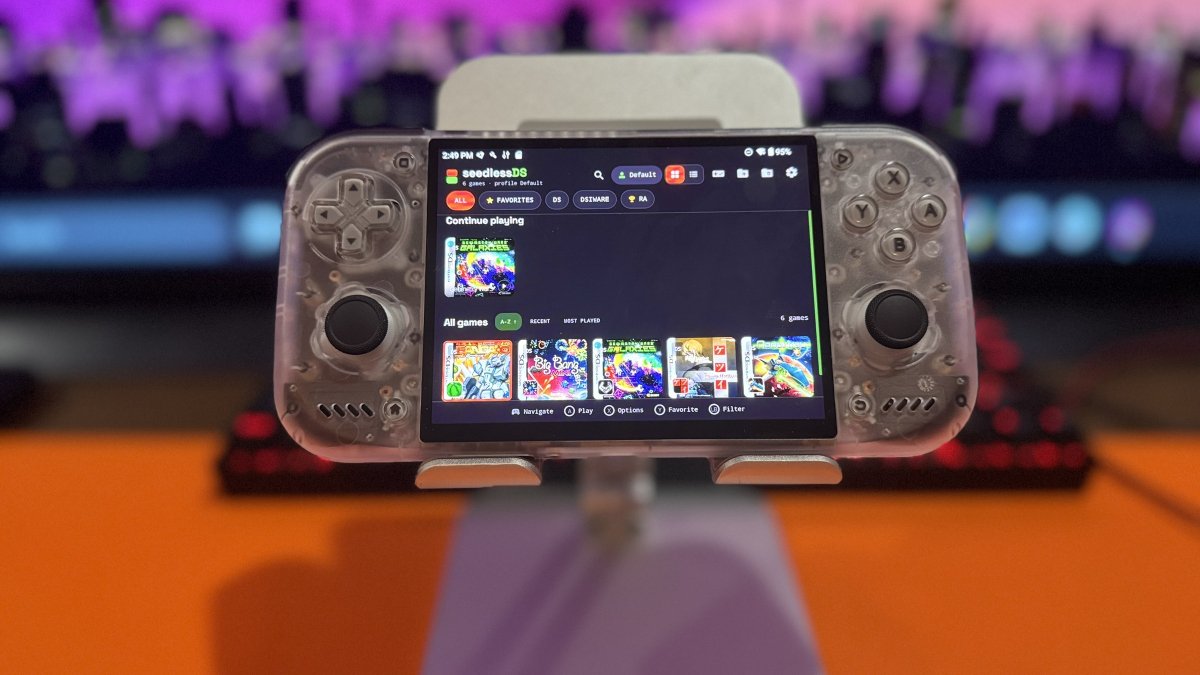
Developed by SapphireRhodonite, SeedlessDS is a DS emulator for Android that builds on the technology behind DraStic. The idea seems simple: take what already works well, give it a modern makeover, and add features that make sense for today’s handhelds.
While powerful handhelds like the AYN Thor have more than enough processing power for DS emulation, not every device is quite so powerful. Lower-powered handhelds can struggle with some DS emulators, which creates a need for a lightweight alternative.
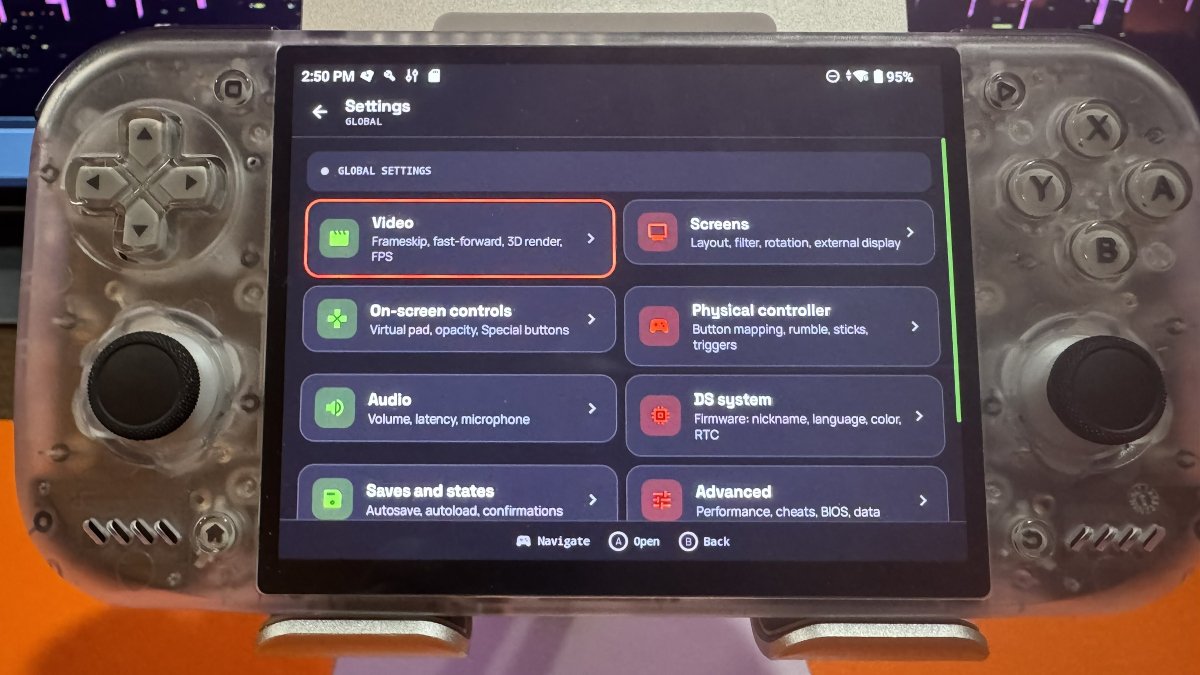
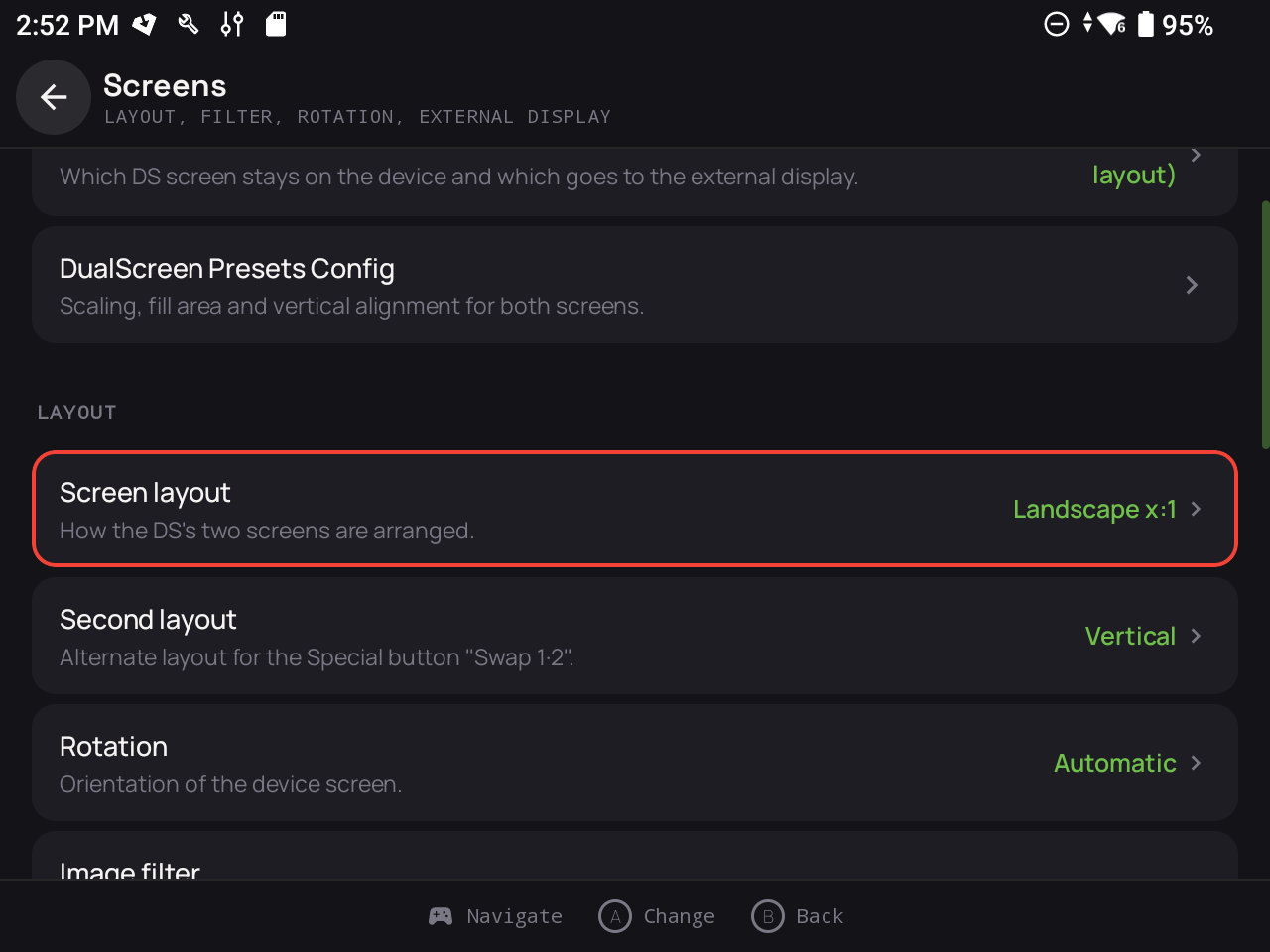
Performance is only part of the story. SeedlessDS offers customizable screen layouts, physical controller support, RetroAchievements integration, and options for devices with two physical displays.
SeedlessDS isn’t necessarily trying to reinvent DS emulation. It’s attempting to modernize the experience while retaining the performance advantages that made DraStic so popular in the first place.
A Tale of Two Melons
Here’s where I was confused and needed to dig a little deeper to wrap my head around things. SeedlessDS isn’t developer SapphireRhodonite’s only DS emulator. There’s also WatermelonDS, another project from the same developer.
So why maintain two emulators that essentially play the same games?
The biggest difference is what’s going on under the hood. First, let’s clear something up. melonDS and WatermelonDS are not the same emulator. The original melonDS is still around and continues to receive development. WatermelonDS is a separate Android project that builds on melonDS, adding features and improvements aimed at modern handhelds.
SeedlessDS, on the other hand, builds on DraStic, which has long been known for running DS games well on less powerful hardware.
Anyone hungry at this point, or shall I move on?
The way I’m wrapping my head around this is to think of it as two different ways of getting to the same destination. “You take the high road, and I’ll take the low road.” Yeah, OK, that probably means something completely different, but you get the idea. Sorta.
And why is that important? Well, not everyone has the resources to afford an AYN Thor. More affordable handhelds often come with less horsepower, making SeedlessDS a good alternative. Meanwhile, those with more powerful devices might find WatermelonDS the more appealing option.
Rather than competing against each other, these two emulators give players choices based on the hardware they own. Again, there’s that word, options! I know, I won’t rub Sony’s nose in it anymore.
And if you’re already using DraStic and everything works perfectly? There’s that old saying, “if it ain’t broke, don’t fix it!”
The good news is that whether you’re flaunting a powerful dual-screen handheld or you’re a modest mouse, you’ve got options. And with the clamshell wars showing no signs of slowing down, that seems like a pretty good position to be in.
Is the Surge of Dual-Screen Handhelds Fueling Better DS Emulation?
Is the renewed interest in DS emulation being driven by the dual-screen handheld revival, or is it all just a coincidence?
I suspect the answer lies somewhere in the middle.
For years, those who wanted to play DS games on single-screen handhelds had to make compromises. Emulators either squeezed both screens onto a single display, swapped between them with a button press, or offered some alternative arrangement that worked well enough. Have you tried the MagicX Zero 40? I’m not sure that’s quite how the original hardware intended us to play these games.
Now we’re seeing more devices with two physical screens, to put it mildly. With new hardware to consider, maybe running a DS game well isn’t necessarily enough anymore.
How do the two screens interact? Does touch input work properly? Can you close the lid and pick up where you left off? What about switching screen layouts or navigating the emulator without constantly reaching for the touchscreen?
These are the kinds of questions that become more important when manufacturers start building handhelds specifically suited to dual-screen gaming.
We’re also seeing improvements that address these challenges. SeedlessDS offers dual-screen layouts and device-specific adjustments, while its recent 1.0.0 update includes fixes for dual-screen presets. WatermelonDS has also placed an emphasis on supporting handhelds with two displays.
This doesn’t mean the recent wave of hardware is solely responsible for these developments. DS emulation has been improving for years, and the system still has a fantastic library worth revisiting. Sure, Pokémon remains a major attraction, but there’s much more to the DS than catching them all. First-party titles, particularly those from the Mario universe, alongside games like The World Ends with You, the Professor Layton, and Dragon Quest franchises, helped make the system special, with some taking full advantage of its two screens and touchscreen controls.
With a library like that, it’s not hard to understand why people are still interested in playing these games twenty-something years later. The newer handhelds are simply giving us more ways to enjoy them.
But it’s not much of a stretch to suggest that the growing number of dual-screen devices is giving developers more reasons to refine the experience. Ultimately, that could benefit everyone playing DS games, regardless of which handheld they own.
What’s New in SeedlessDS 1.0.0?
After all that talk about watermelons, horsepower, and handhelds, I should take a nap. But first, let me slowly segue into what SeedlessDS brings to the table.
With the SeedlessDS 1.0.0 release on October 3, the project has now moved out of beta. The source code for SeedlessDS’s reconstructed DraStic-based emulation core has been made public. This opens the door for other developers to examine the code, contribute improvements, and potentially help the project grow beyond what one developer could accomplish alone.
Version 1.0.0 introduces Dynamic 3D Resolution, which automatically adjusts the rendering resolution of 3D graphics when needed to help balance visual quality and performance.
The update improves handling of compressed game files, including 7z and RAR archives, and fixes dual-screen presets for devices such as the Duo Lite. It also introduces changes to support newer Android memory requirements, along with additional fixes to game library handling, diagnostics, and compatibility.
Better compatibility, improved support for dual-screen hardware, and a lightweight experience that continues to evolve seem like the right direction for SeedlessDS.
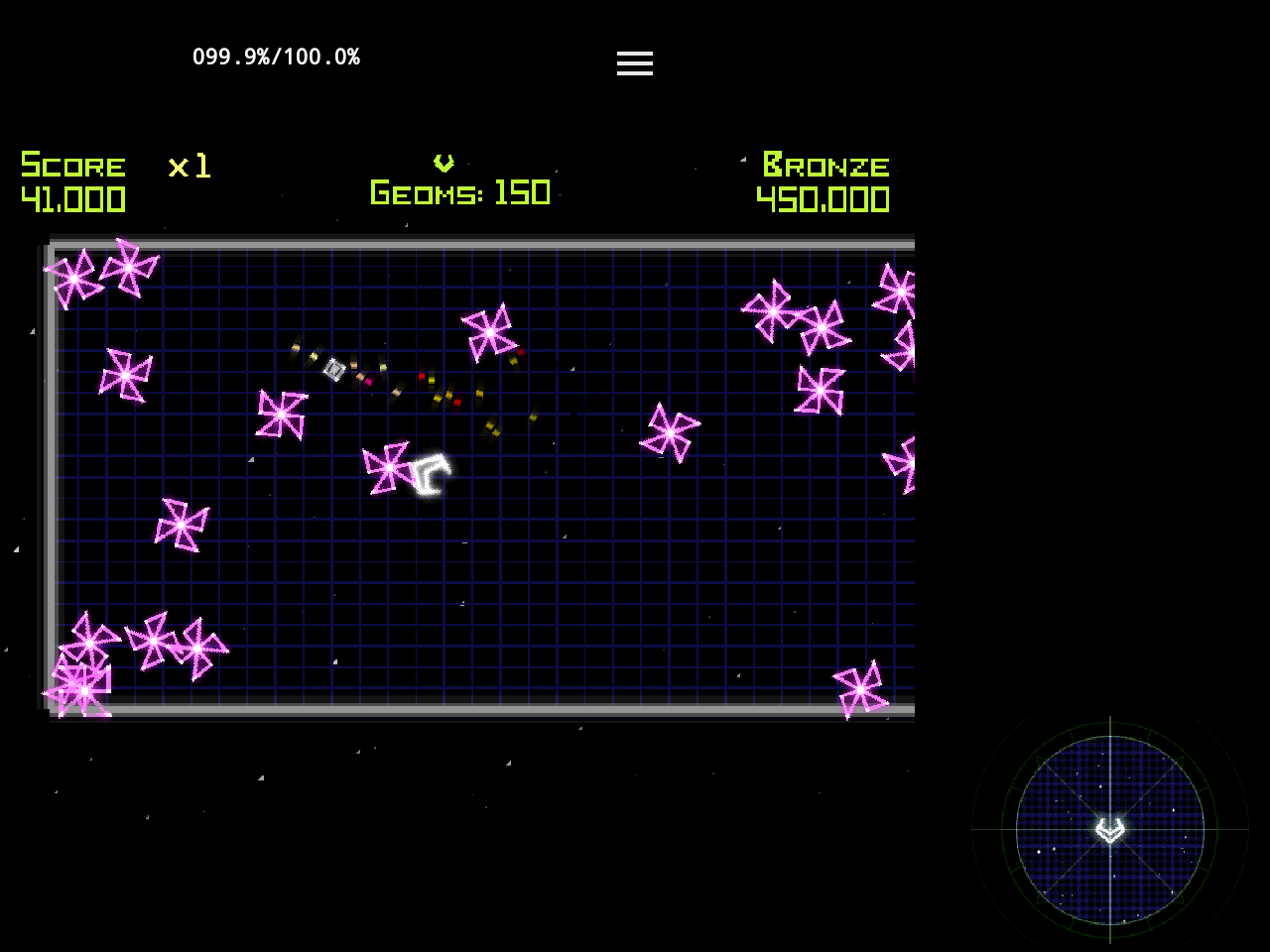
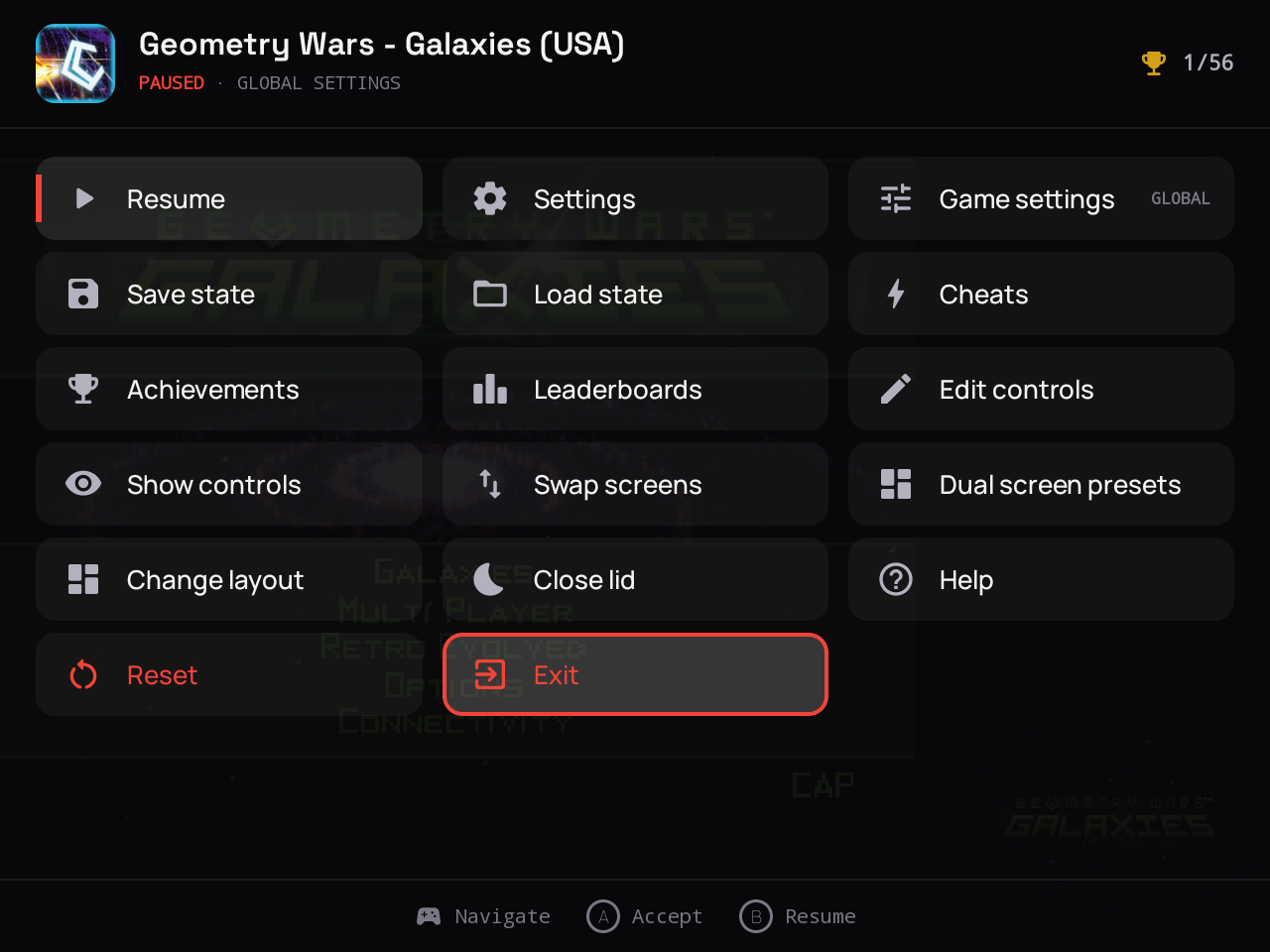
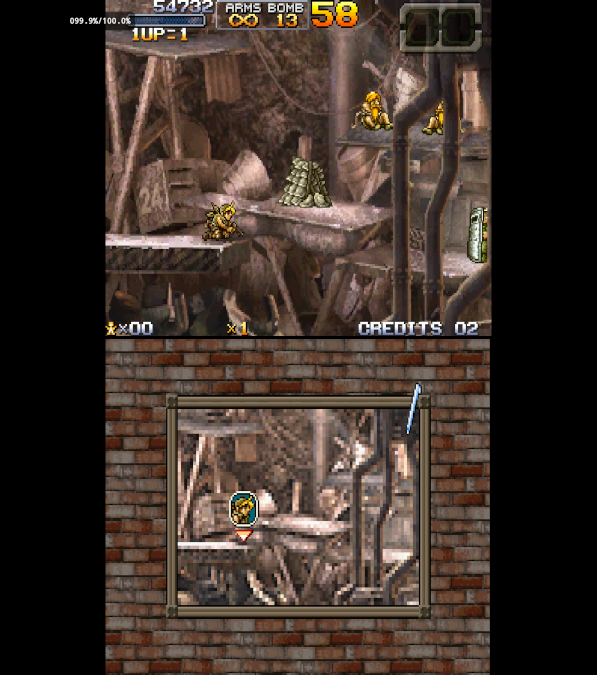
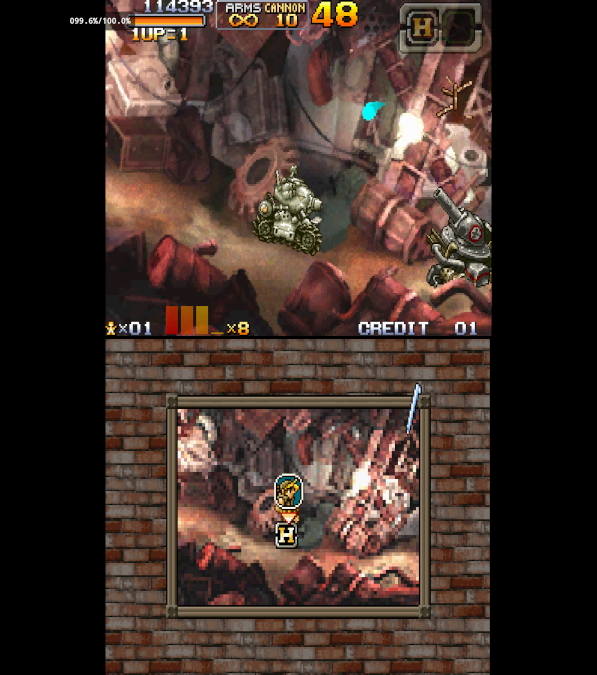
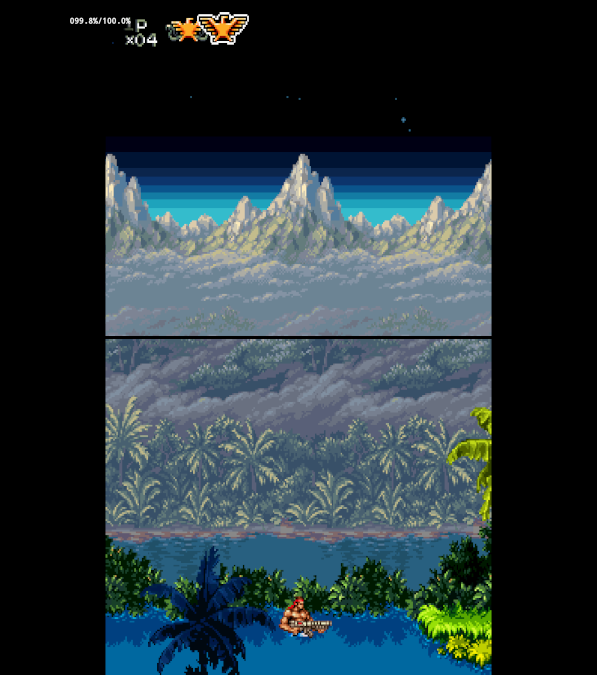
| Emulation | Nintendo DS emulation using a lightweight, reconstructed DraStic-based core. |
| Dual-Screen Support | Customizable layouts for single-screen and dual-screen handhelds, including device presets. |
| Controls | Physical controller mapping, fast-forward, screen swapping, and customizable shortcuts. |
| RetroAchievements | Achievement and leaderboard integration. Some features are still being tested. |
| Extras | Save states, cheats, image filters, resolution scaling, and per-game settings. |
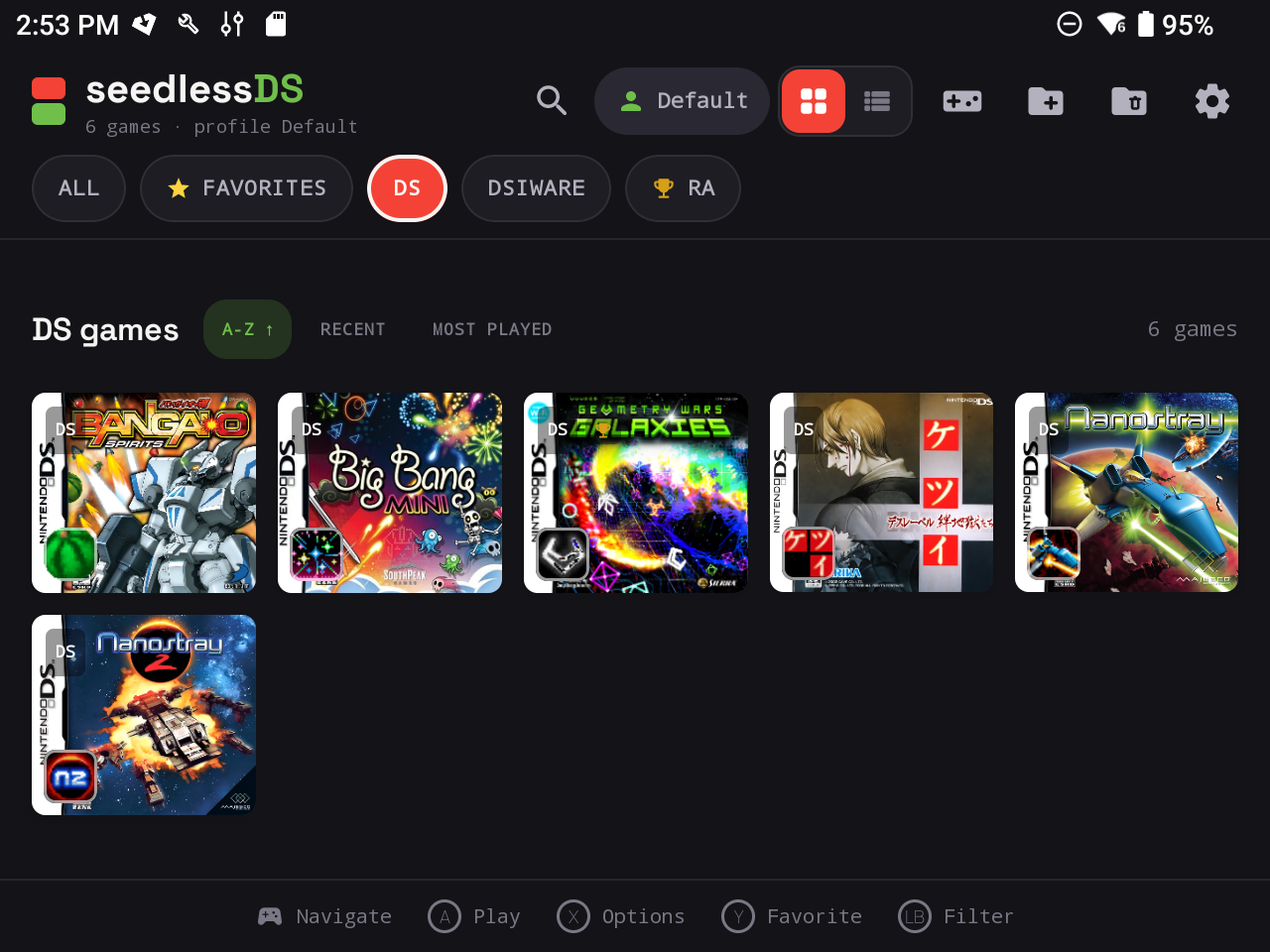
| Game Library | Box art, favorites, search, and Continue Playing functionality. |
| Requirements | Android 5.0 or newer with an ARM64 processor. Performance and compatibility vary by device. |
If you’ve read this far and your interest is piqued, getting SeedlessDS installed is fairly straightforward.
| Step 1: Download SeedlessDS | |
|---|---|
| Download | Visit the official SeedlessDS GitHub Releases page and download the latest release APK. |
| Step 2: Install the APK | |
| Installation | Open the downloaded APK on your Android device. If prompted, allow your browser or file manager to install apps from this source, then complete the installation. |
| Step 3: Add Your Games | |
| Game Library | Launch SeedlessDS and select the folder containing your Nintendo DS game files. Grant file access when prompted. Supported file extensions include .nds, .dsi, .srl, and .ids. |
| Step 4: Configure Your Controls | |
| Controls & Displays | Configure your physical controls, screen layout, and emulator shortcuts. Dual-screen handheld owners can explore the available display presets. |
| Step 5: Start Playing | |
| Launch a Game | Select a game from your library and start playing. Optional settings include save states, cheats, RetroAchievements, and internal resolution adjustments. |
Final Thoughts
Whether you’re using a powerful dual-screen handheld or something a little more modest, having another option is never a bad thing. SeedlessDS might not replace DraStic or WatermelonDS for everyone, but it doesn’t necessarily have to either.
As for me, I have some DS games to revisit. Now I just need to decide which handheld to play them on.
Decisions, decisions.
Well, that didn’t take long! Just as I was wrapping up this article SeedlessDS 1.0.1 released.
This update focuses on game compatibility, graphics fixes, archive handling, and stability improvements for dual-screen devices.
- Startup fix for Dementium II.
- Graphics fixes for Golden Sun: Dark Dawn.
- Improved external-display and dual-screen stability.
- Better compressed game archive handling.
- Improvements to game exits and RetroAchievements integration.
- A new licenses screen and refreshed project logo.
Heads up: Save states from the original 1.0.0 beta may not be compatible. Make an in-game save before updating.
| SeedlessDS GitHub | Official project repository with features, documentation, compatibility information, and source code. |
| SeedlessDS Releases | Official APK downloads, release notes, changelogs, and previous versions. |
| Version 1.0.0 | October 3, 2026 release announcement, including new features, fixes, and the public release of the reconstructed core source. |
| Developer Announcement | Developer commentary explaining the significance of version 1.0.0 and the project’s future direction. |