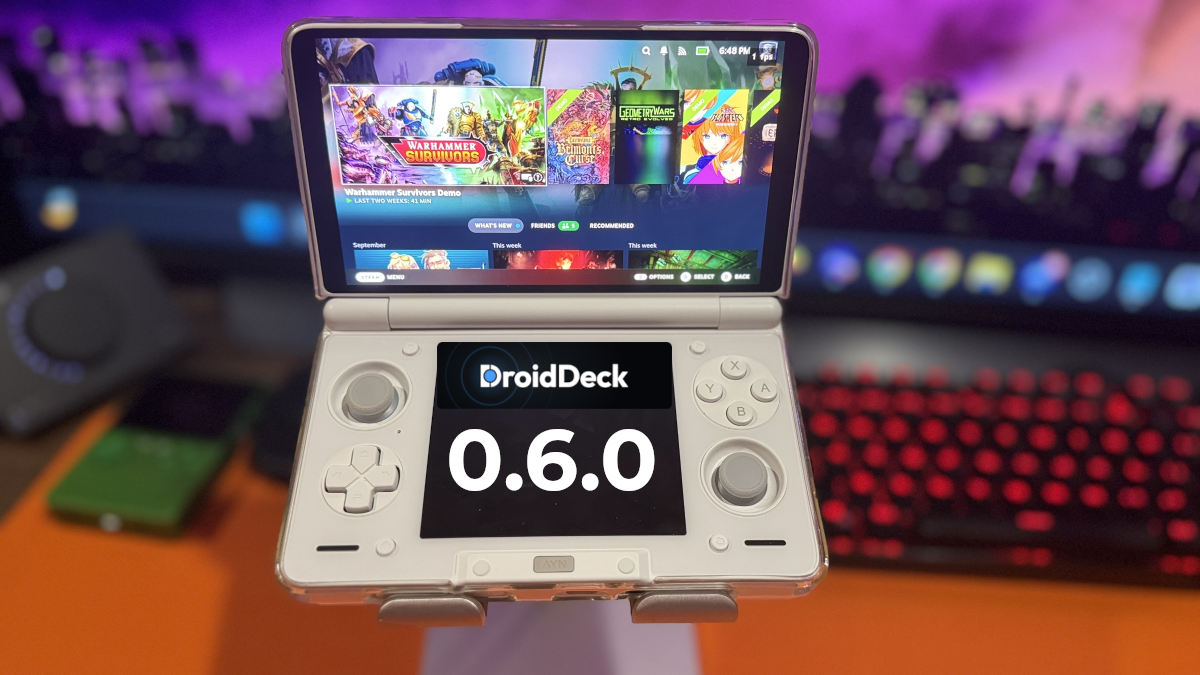
DroidDeck has come a long way in a relatively short period. This trend seems to be all the rage these days. What began as a way to bring Steam games to Android devices has expanded to support additional PC game storefronts, with each release introducing new features and improvements. Version 0.6.0 continues that trajectory, but does it offer enough to convince newcomers to finally give DroidDeck a try?
The biggest addition in DroidDeck 0.6.0 is experimental support for Xbox and PC Game Pass. Players can sign into their Microsoft accounts, access eligible games, and download them directly to their Android devices. Rather than streaming games from the cloud, DroidDeck attempts to run them locally using its PC game compatibility tools. There’s no guarantee every game will work, but it’s another step toward making DroidDeck more than just a way to play Steam games on Android.
The update also introduces itch.io support, joining GOG, Epic Games, and Amazon as another option for accessing your PC game library. For anyone with games spread across multiple storefronts, having them accessible through one application is certainly appealing. To everyone typing in the itch.io API key, good luck, especially to all the older folks like me. Perhaps the most painful thing I did today, and that says a lot.
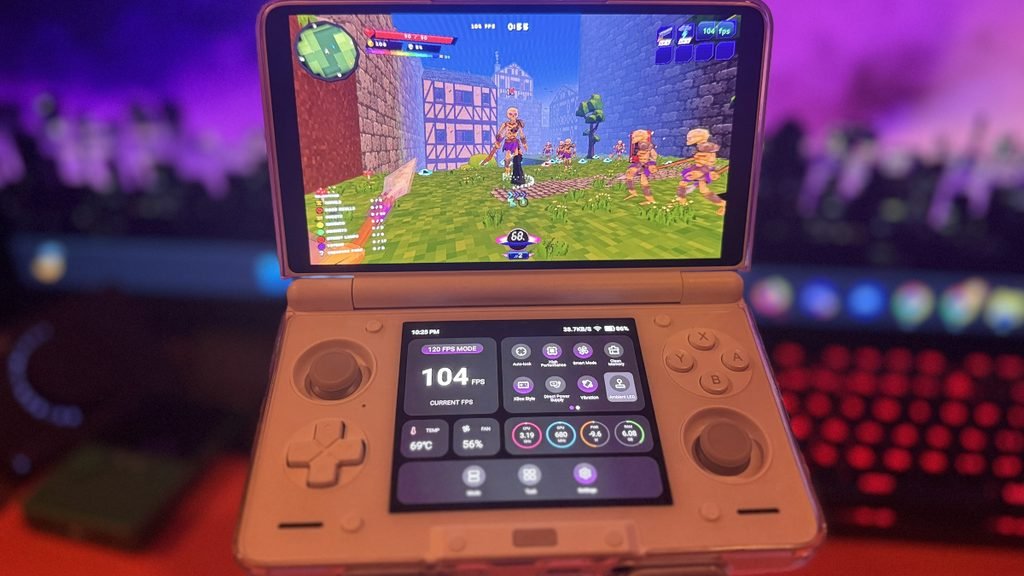
The Everyday Experience Matters More Than Another Feature
I updated DroidDeck to version 0.6.0 on both my Retroid Pocket Nova and AYN Thor. One thing worth mentioning is that after approving the update through Android’s installation prompt, DroidDeck closes and doesn’t automatically reopen. I had to launch the application manually on both devices. This isn’t new to version 0.6.0, but it’s something to keep in mind when updating.
Unfortunately, my initial experience with this new update hasn’t been entirely positive. Navigating the interface feels noticeably more sluggish on both handhelds, and downloads appear to be taking considerably longer than they did with previous versions. I can’t say whether everyone will encounter these problems, but experiencing them on two different devices certainly caught my attention.
The developers have also addressed issues involving game compatibility, controllers, cloud saves, and other aspects of the application.
Is It Ready for Everyone? Not Quite.
I’ve spent plenty of time testing DroidDeck on both my Retroid Pocket Nova and AYN Thor, and I’ve seen firsthand what it can do. During my earlier testing on the Retroid Pocket Nova, several games performed surprisingly well, sometimes outperforming my results with GameNative. That potential is still what makes DroidDeck interesting to me.
However, there’s a difference between software that’s fun to experiment with and something you’d recommend to someone who simply wants to install games and start playing. DroidDeck continues to improve, but compatibility issues and occasional frustrations remain part of the experience.
So, is now the time to jump on the DroidDeck bandwagon? If you enjoy experimenting with PC games on Android handhelds, there’s plenty here worth exploring, particularly with the expanding storefront support. Based on my initial experience with version 0.6.0, I’m not convinced this is the update that makes DroidDeck an easy recommendation for everyone.
The bandwagon isn’t going anywhere, and there’s nothing wrong with waiting for a smoother ride.
| Battery & Memory | Improved how DroidDeck handles suspended games to reduce unnecessary battery use and help prevent Android from closing them. |
| Game Compatibility | Fixed issues affecting certain Ubisoft games, Linux games, and Windows titles. Also addressed display flickering on some Samsung devices. |
| Controllers & Touch Input | Fixed problems with controller detection, touchscreen controls, and custom Steam controller layouts. |
| Steam & Cloud Saves | Fixed issues with cloud saves not appearing when launching games and improved the reliability of manual save syncing. |
| External Storage | Fixed problems adding individual games or entire game folders from SD cards. |
| Desktop & Applications | Fixed launching issues with RetroArch, RPCS3, web browsers, and other desktop applications. Improved recovery from interrupted installations. |
| Installation & Updates | Reduced the APK size and fixed in-app updates on Android 9 and 10. Failed Steam downloads now provide clearer error messages. |
| DroidDeck 0.6.0 GitHub Release | Official release notes detailing new features, performance improvements, compatibility fixes, and other changes in version 0.6.0. |
| Retro Handhelds | Coverage of DroidDeck’s expanded PC gaming support, including Xbox and PC Game Pass integration. |