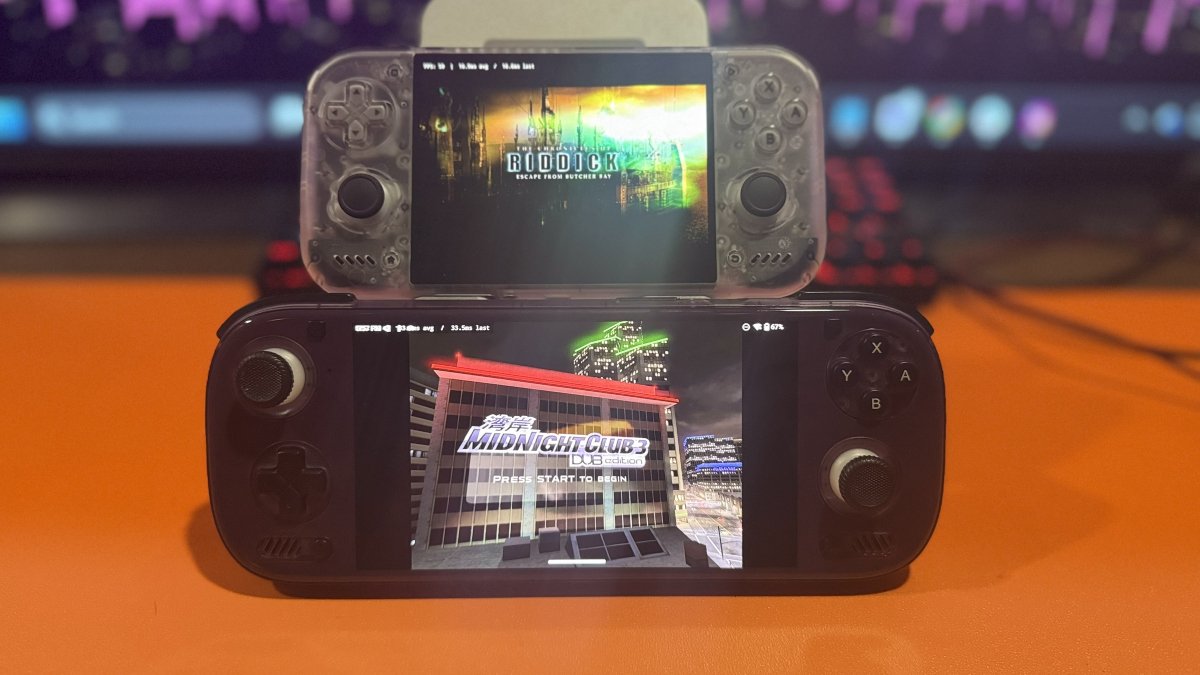
After more than six months without a new public release, HakuX has returned with an overhaul of its original Xbox emulator for Android. Developer rfandango released version 1.0.0 on October 23, 2026, followed by version 1.1.0 the next day. A third release, version 1.2.0, arrived yesterday.
Rather than continue improving the original xemu-based architecture, the developer took a different approach with this release and replaced the emulator’s core entirely. HakuX now uses a modified version of FEX to translate the original Xbox’s processor instructions for modern ARM devices. The emulator also has its own implementation of the Xbox kernel, while a new graphics system handles the console’s original GPU commands through Vulkan.
The goal, it seems, with this release is to offer a more straightforward approach that offers better performance, fewer interruptions, and improved responsiveness. The developer reports improvements across several games, though some titles that worked in previous versions may encounter compatibility issues.
The overhaul also introduces save states, per-game modifications, expanded controller support, and optional 60 FPS and 120 FPS modifications for select games. Version 1.1.0 extends experimental compatibility to Mali, Xclipse, and PowerVR graphics processors. Version 1.2.0 adds system link multiplayer and additional game specific fixes.
The most welcome change, for a simpleton like me, is the setup process. Unlike previous versions, the current release does not require users to supply a separate Xbox BIOS, MCPX ROM, or hard disk image. Players still need their own legally obtained game images. But I had all my BIOS files ready!
With three releases in four days, the HakuX developer has been busy evolving the emulator. I look forward to testing it out as part of my Odin 3 review coming soon!
| Emulation & Performance | |
|---|---|
| New Emulation Core | Version 1.0.0 replaces the previous QEMU-based core with a new architecture built around FEX and a native implementation of the Xbox kernel. |
| Graphics Improvements | Version 1.0.0 introduces a new Vulkan graphics system with optimizations for GPU performance and texture processing. |
| Performance Improvements | Separate graphics pipeline caches for individual games, lower audio latency, and faster save state operations. |
| Reduced Stutter | Version 1.2.0 introduces additional performance improvements for compatible Turnip graphics drivers. |
| Gameplay & Compatibility | |
| Save States | Version 1.0.0 introduces save states with individual slots for each game. |
| Game Mods and Cheats | Support for game modifications, file replacements, and optional 60 FPS or 120 FPS patches for select titles. |
| Controller Support | Individual controller assignments and button configurations, with additional improvements in version 1.2.0. |
| Frontend Compatibility | Improved compatibility with frontends such as ES-DE. |
| Game Compatibility Fixes | Version 1.2.0 addresses issues in Doom 3, Silent Hill 2, Fatal Frame II, Splinter Cell: Double Agent, Ultimate Spider-Man, and other titles. |
| Graphics & Device Support | |
| Expanded GPU Support | Version 1.1.0 introduces experimental support for Mali, Xclipse, and PowerVR graphics processors. |
| Older Vulkan Drivers | Version 1.1.0 adds compatibility measures for certain Vulkan 1.1 devices and older graphics hardware. |
| GPU Driver Management | A dedicated menu to add, select, or remove compatible graphics drivers. |
| Interface & Connectivity | |
| Automatic Update Checks | Version 1.0.0 introduces GitHub update checks, with a manual option under Settings > Updates. |
| Interface Improvements | Version 1.1.0 improves controller navigation and introduces theme options and changes to the in-game menu. |
| System Link Multiplayer | Version 1.2.0 introduces local network multiplayer between compatible HakuX devices, with additional support for XLink Kai. |
| Requirements | 64-bit ARM Android device with Vulkan support. Adreno GPUs are recommended. |
| Download | Download the latest HakuX APK from the official GitHub releases page. |
| Install | Install the APK and grant Android installation permission if prompted. |
| Game Files | Provide your own legally obtained Xbox ISO or XISO game images. |
| Game Library | Place your games in an accessible folder and select that location in HakuX. |
| BIOS | No separate Xbox BIOS, MCPX ROM, or hard disk image is required. |
| Graphics Driver | Compatible Turnip drivers are optional on supported Adreno devices. |
| Controller | Configure your physical controller or use the on-screen controls. |
| Updates | Check Settings – Updates for newer releases. |
| AI Assistance | HakuX development documentation references the use of Anthropic’s Claude for technical analysis and review of the new emulation core. |
| HakuX GitHub | Official repository, project requirements, documentation, and source code. |
| HakuX 1.2.0 | October 26, 2026 release notes covering system link multiplayer, game compatibility fixes, and performance improvements. |
| Android Authority | Independent reporting on HakuX’s overhaul and performance on Android handhelds. |