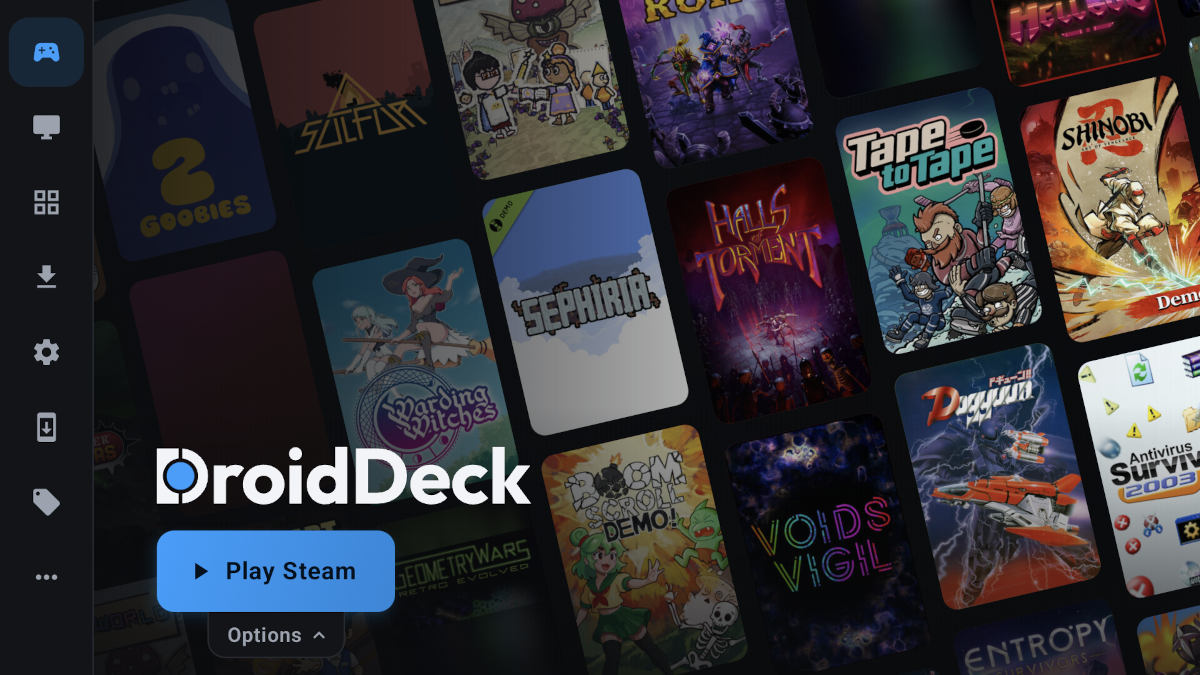
An NYHC gem is “Backtrack” by Killing Time. Stop reading, go find it, and listen to it. This will still be here once you’ve been enlightened. Why do I bring this up? “One step forward, two steps back!” I’m being dramatic, I know, but on the very day I finally publish my AYN Odin 3 review, the folks at DroidDeck release another update.
Unlike version 0.7.1, which focused primarily on bug fixes, version 0.7.11 introduces some new functionality. The developers have dubbed this one the Convenience Store release. Did anyone else immediately think of Mountain Dew, Doritos, and Call of Duty? No? Fuck me, I’m old.
EA, Ubisoft Connect, and Rockstar Games now have a home within DroidDeck. Users can access their game libraries, download titles, and launch them without the need to install the respective launchers. EA and Ubisoft also receive cloud save support. We now have three more storefronts at our disposal, and if you’re like me and would rather go to the dentist than jump through the EA and Ubisoft launcher hoops, today is a happy day.
There’s also been a major overhaul of the technology under the hood. DroidDeck no longer relies on PRoot by default, an additional software layer that previously helped its Linux environment operate on Android. According to the developers, its removal reduces the workload on the processor and helps minimize sudden drops in frame rate.
Changes to how DroidDeck delivers each frame to the display should also result in smoother gameplay, fewer dropped frames and support for HDR on compatible displays. There’s now an experimental version called DroidDeck-Bionic, which promises lower memory usage, better compatibility and potential performance gains in select games.
For those who store their PC games on a microSD card, the developers shared some good results. Across eight games, the average time required to start a fresh session and launch a game dropped from 104 seconds to just 25 seconds.
I’ve spent the better part of the past month with DroidDeck on my Odin 3 Max, and the progress this project has made in such a short period of time continues to impress me. Just tonight, I managed to get a couple of games that previously gave me problems up and running. Curious which ones? Head on over to my newly revamped Now Playing page.
| User Experience | |
|---|---|
| Interface | Redesigned game library, customizable menus and searchable settings. |
| OLED Theme | New true black theme with customizable accent colors. |
| Decky | Access and manage plugins through a dedicated store. |
| Display & Performance | |
| Black Frame Insertion | Reduces motion blur on displays of 100Hz or higher. |
| Frame Generation | Customize frame generation settings for individual games. |
| Memory Management | Helps reduce freezes and unexpected game closures. |
| Compatibility | |
| Mali GPUs | Expanded graphics compatibility for devices with Mali GPUs. |
| Game Compatibility | Fixes for titles such as Red Dead Redemption 2, Terraria and Borderlands 2. |
| DroidDeck 0.7.11 | Release Notes and Download |
| DroidDeck | GitHub Repository |
Have something to add? Join the PlayItAgain.gg community on Discord to share your thoughts, ask questions, and talk handheld gaming.
JOIN THE CONVERSATION