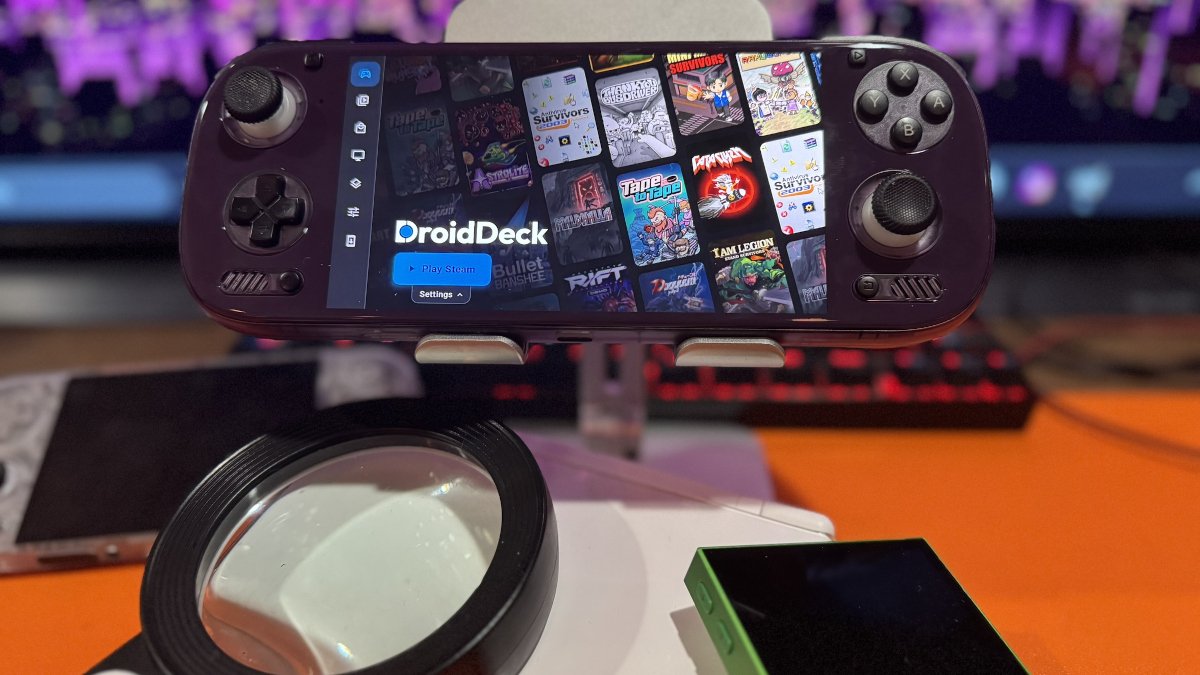
DroidDeck keeps pumping out the updates. And some of us are here for it.
One of the biggest additions in version 0.7.0 is preliminary GPU support for Mali, PowerVR, and Xclipse graphics chips. DroidDeck can now detect these GPUs and select compatible drivers. To my knowledge, I don’t own any devices with these GPUs, so I can’t test this myself. We’ll have to wait and see what the community reports from its compatibility and performance tests.
Everyone loves a good dual-screen device, and there sure are plenty kicking around these days. Handhelds like the AYN Thor and Retroid Pocket Duo gain new functionality, with the option to display a Linux desktop or a dedicated Dashboard on the second screen. The Dashboard provides access to downloads, notifications, screenshots, and Steam chat. Players can also swap the game between screens.
DroidDeck can now recognize Steam libraries created by other PC gaming applications, which may eliminate the need for duplicate installations. The release also adds Game Jolt as another source for games, with options to browse, install, and update titles.
Here I thought I had my finger on the pulse, but I had to look up Game Jolt to see what the fuss was about. Game Jolt is an indie gaming platform similar to itch.io, with a focus on smaller, experimental, and community-created games.
As I’m inching closer, ever so slowly, to wrapping up my Odin 3 review, I’ve spent a good chunk of my weekend putting this new version of DroidDeck through its paces. Some results have been good and in line with my usual expectations. Overall, I’ve been very happy with DroidDeck. Cataclyzm is just a joy to play on this handheld. And someday, I will defeat that second boss.
However, other results have been a mixed bag. Some games that previously worked gave me trouble, including a few that refused to launch. The tried-and-true method of closing all apps and rebooting resolved some of these issues. Whether this was a stretch of bad luck or something introduced with this update, I can’t say for certain. Some of this may be self-inflicted, as I’ve been feasting like a wild man on Steam demos, many of which lack Steam Deck verification. But that’s not going to stop me. The Odin 3 is a tinkerer’s paradise.
Read below for more changes in this release, or head over to DroidDeck’s changelog for the complete list.
| Controls & Interface | |
|---|---|
| Controller Profiles | Named profiles now combine physical controller layouts with on-screen controls for game and desktop sessions. |
| Controller Dead Zones | Physical controller stick dead zones can be adjusted from 0% to 25%. |
| Performance HUD | A new horizontal HUD layout displays performance information along the top or bottom of the screen. |
| Mouse & Keyboard | Hardware mouse and keyboard support has been improved for PC games and Steam sessions. |
| Games & Performance | |
| Syncthing | Built-in Syncthing support allows users to synchronize games and save files from DroidDeck’s storage. |
| Low-Memory Devices | Memory management improvements help reduce stutter after session resume and free memory under pressure. |
| Steam Performance | Batch processing and cached library information help Steam load game details more efficiently. |
| Proton Components | DroidDeck-Proton can now update FEX, DXVK, and VKD3D-Proton without a new DroidDeck app release. |
| Additional Improvements | |
| Startup Options | Users can choose whether DroidDeck starts Steam, opens the desktop, or starts neither automatically. |
| World of Warcraft | New options include addon imports from ZIP files, voice typing, and a keyboard chat bar. |
| Diagnostics | An enhanced diagnostics option collects relevant session and graphics logs for troubleshooting. |
| Game Compatibility Fixes | Fixes address issues with several games and launchers, including DOOM (2016), Project Zomboid, and Ubisoft Connect. |
| DroidDeck 0.7.0 Release Notes | Github |
| DroidDeck Changelog | Project changelog |
Have something to add? Join the PlayItAgain.gg community on Discord to share your thoughts, ask questions, and talk handheld gaming.
JOIN THE CONVERSATION