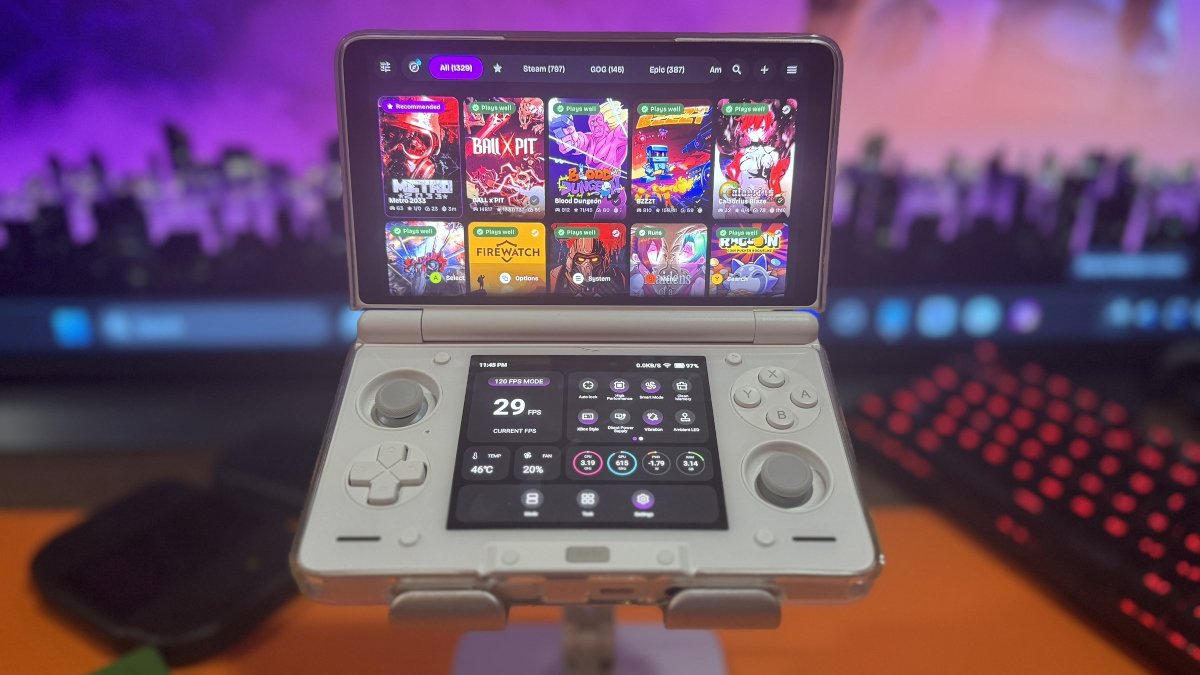
The PC was this close to being turned off, and I was headed straight to bed to prepare for another day. Then, like a shiny thing off in the distance, I received an update notification after my all-thumbs hand oh so not gently tapped the GameNative app on my AYN Thor. Now I’m saddled with another article to write when I could’ve been counting sheep. Just counting sheep.
I like to joke about the great Clamshell Wars, but do I now need to come up with some witty tagline for DroidDeck vs. GameNative? I would, but I’m tired, alone, and scared. No, that happens in my dreams. I’m just tired right now. Very tired.
GameNative has released version 1.3.0, which, you guessed it, brings substantial updates to PC gaming on your favorite Android handhelds. Of course, not every handheld is going to be up to the task, and hardware compatibility remains an important consideration.
One of the biggest additions is a headless Steam client. Just in time for Halloween, it can ride alongside the Headless Horseman. OK, I’ll stop.
What this means is GameNative can now run Steam services in the background without needing the full Steam interface. This should help with certain games that rely on Steam for DRM, multiplayer functionality, and controller support.
The developers have also expanded compatibility with EA and Rockstar games, reporting successful testing with titles such as Titanfall, The Sims 4, GTA IV, and Red Dead Redemption 2.
Dig deep, get up the courage, and try these and other games. What do you have to lose besides time? Boy, do I know that getting a game to launch and getting it to run smoothly are two different things.
Beyond game compatibility, GameNative 1.3.0 introduces a new download engine, improvements to Steam Cloud synchronization, and shared game components that could save up to 2GB of storage per container. Existing users can take advantage of the storage savings by launching their games to shrink existing containers.
At my age, we don’t talk about shrinkage, but I’ll make an exception here.
There’s also native Lossless Scaling Frame Generation (LSFG) support, additional controller options, and an expanded AI-assisted troubleshooting system that can recommend settings and help generate and apply updated components such as Turnip, FEX, and Proton.
The full list of changes is fairly extensive, so I’ve included the highlights in the What’s New table below.
I’ve spent a fair amount of time testing GameNative and DroidDeck on my Retroid Pocket Nova, with DroidDeck generally coming out ahead in my earlier comparisons. Whether GameNative 1.3.0 changes those results remains to be seen, but I’m curious enough to revisit some of those games.
For now, GameNative 1.3.0 is available through the project’s GitHub Releases page. Just don’t expect every PC game to magically start running at 60 FPS overnight.
| Game Compatibility | |
|---|---|
| Headless Steam Client | Introduces a background Steam client to improve compatibility with certain games, Steam services, DRM, and controller functionality. |
| EA Games | Expanded compatibility with EA titles, including games that rely on EA’s launcher. |
| Rockstar Games | Additional compatibility work targeting Rockstar titles and launcher requirements. |
| Other Stores | Fixes and improvements for downloading games through Epic Games and GOG. |
| Performance & Storage | |
| Download Engine | Updated download system designed to improve speed and reliability. |
| Storage Optimization | Shared components can reduce duplicated files between game containers, potentially saving significant storage space. |
| LSFG | Adds native Lossless Scaling Frame Generation support for compatible configurations. |
| Steam & Controllers | |
| Steam Cloud | Improvements to cloud save synchronization and reliability. |
| Controllers | Additional controller profiles, Steam Controller support, and input improvements. |
| Microphone | Introduces microphone support for compatible games. |
| Additional Improvements | |
| AI Troubleshooting | AI-assisted tools to help diagnose and apply fixes for game compatibility issues. |
| Compatibility Labels | Improved information about game compatibility. |
| Nexus Mods | Improvements to Nexus Mods integration and related functionality. |
| GitHub Releases | GameNative 1.3.0 release notes and downloads |
| GameNative GitHub | Official project repository, documentation, and installation information |