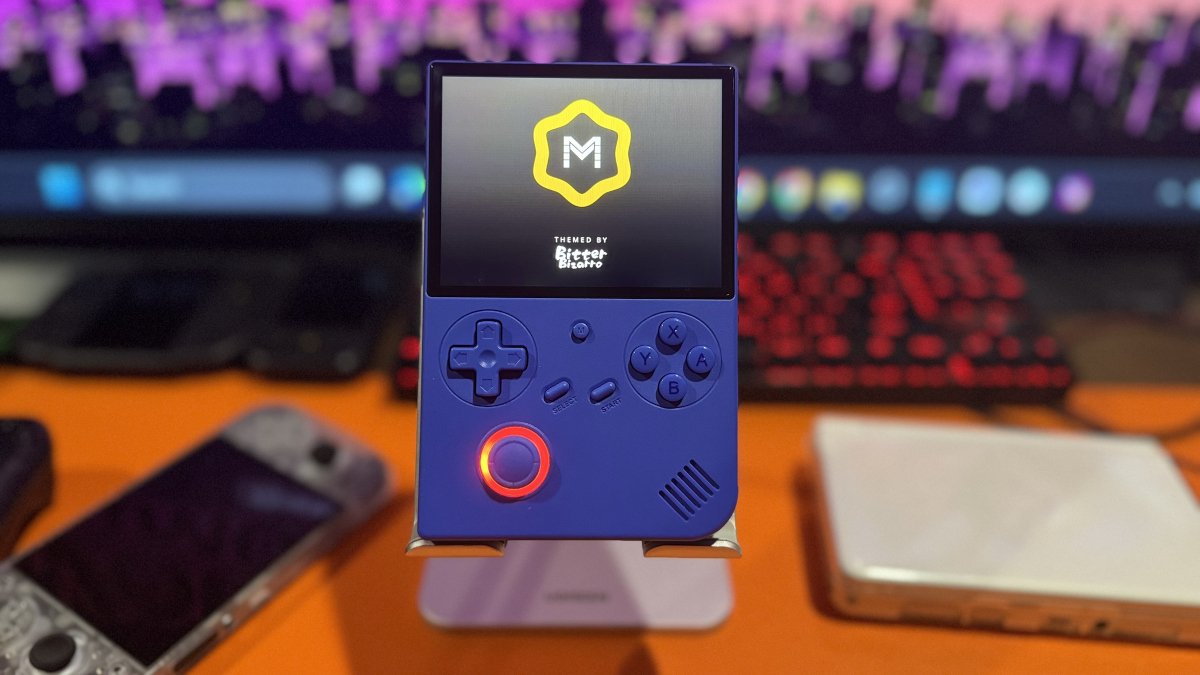
It’s been approximately eight months since the last major MustardOS release. Today, the development team released Andromeda with more than 1,000 changes across the operating system. One of the biggest additions is Pickles, a new Libretro player that offers an alternative to RetroArch.
Like RetroArch, Pickles uses Libretro cores to run games from different systems. However, Pickles integrates many of the same features directly into MustardOS. This makes emulation easier without requiring users to navigate RetroArch’s more complicated menus.
Pickles supports network play, RetroAchievements, cheats, overlays, color filters, customizable controls, turbo functionality, suspend and resume, and detailed performance monitoring.
Wasabi is another major addition to MustardOS Andromeda. This built-in media player lets users watch videos, listen to music, create playlists, and access live television and internet radio. It also includes a 10-band equalizer, visual effects, shaders, and additional playback options.
The Web Dashboard has also been expanded with this release. Users can access their handheld through a web browser on another device to transfer files, manage game collections, and organize content. The dashboard also supports remote viewing and controls, so users can interact with certain handheld features without navigating the device itself.
For those interested in learning more about MustardOS, the developers have an excellent support website with helpful guides, documentation, and troubleshooting resources. For a complete list of supported handhelds, visit the MustardOS supported devices page.
| Bluetooth Support | Connect compatible wireless controllers and other Bluetooth devices. Support depends on the handheld’s hardware. |
| Themes & Customization | Faster theme switching, new font options, customizable colors, and support for 1920 × 1080 themes. Users can also manage boot logos. |
| Screensavers | New options include flying game artwork, image slideshows, a date and time display, and a blue screen. Each screensaver can be previewed before selection. |
| Game Library | Video previews, additional artwork options, improved browsing history, and more ways to organize game collections. |
| System Management | New tools for managing storage, tracking device activity, setting passcodes, and customizing connections to web services. |
| Emulator Updates | Sega Saturn now uses Yabadabadoo by default, while Java mobile games run through the FreeJ2ME core in Pickles. Saturn games require compatible BIOS files. |
| Backup & Recovery | Backups now use the .muxbak format and include checks to help identify damaged files before restoration. Failed backup or installation attempts also generate troubleshooting logs. |
Important: Installing a fresh firmware image erases the selected microSD card. Back up your data before proceeding. Users upgrading from an earlier release should consult the official documentation for any version specific instructions.
| Step 1: Back Up | If you’re upgrading from an earlier version, back up your games, saves, BIOS files, and personal settings before making any changes. |
| Step 2: Download | Visit the official MustardOS release page and download the Andromeda firmware image for your supported handheld. |
| Step 3: Flash | Use a flashing utility, such as Raspberry Pi Imager, to write the firmware image to a microSD card. Flashing erases all existing data on the selected card. |
| Step 4: Install | Insert the microSD card into your handheld, power on the device, and complete the initial setup. |
| Step 5: Restore | Restore your games, saves, BIOS files, and other backed-up data. Older themes may require manual extraction before they can be used. |
| MustardOS Andromeda | Official release notes for MustardOS 2606.0 Andromeda, including new features, improvements, fixes, and downloads. |
| MustardOS Documentation | Overview of the operating system’s components, including Pickles, RetroArch, and external emulators. |
| MustardOS GitHub | Official project repositories containing source code, themes, tools, and ongoing development. |
| MustardOS Tools | Browser-based utilities for managing BIOS files, system configurations, playlists, and themes. |