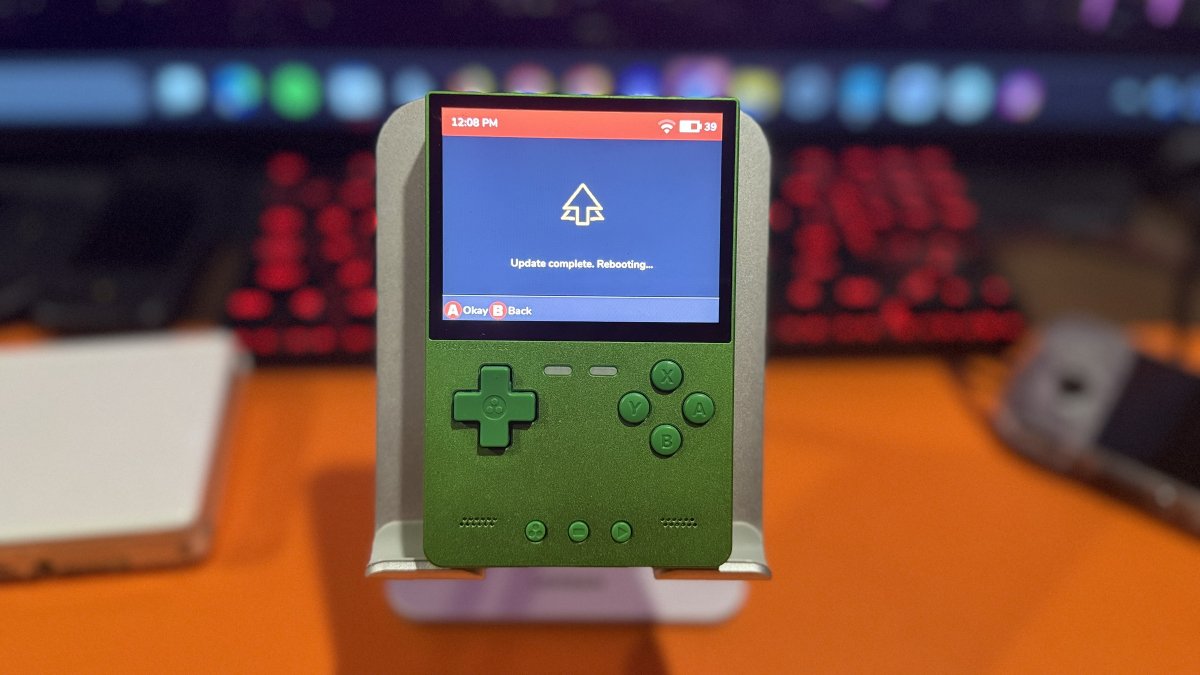
The spruceOS team is back with version 4.5.6, and this release brings more than the usual collection of bug fixes and emulator updates. Support for additional handhelds, native PICO-8 save states, new emulation options, and improvements to the interface are among the highlights.
spruceOS has expanded well beyond Miyoo hardware and now supports handhelds from several manufacturers. This latest release continues that expansion, with six additional devices joining the list.
| Powkiddy V10 | Supported |
| G350 | Supported |
| MagicX XU Mini M | Supported |
| A10 Mini | Supported |
| Anbernic RG353M | In development |
| MagicX XU20 V32 | Supported |
The MagicX Zero 28 and Zero 40 are also supported, although they were added in an earlier release. Some handhelds require a separate operating system image on the first microSD card, while spruceOS resides on the second card. The spruceOS Installer can download and install the appropriate image, which should make the process easier for users unfamiliar with dual-card setups.
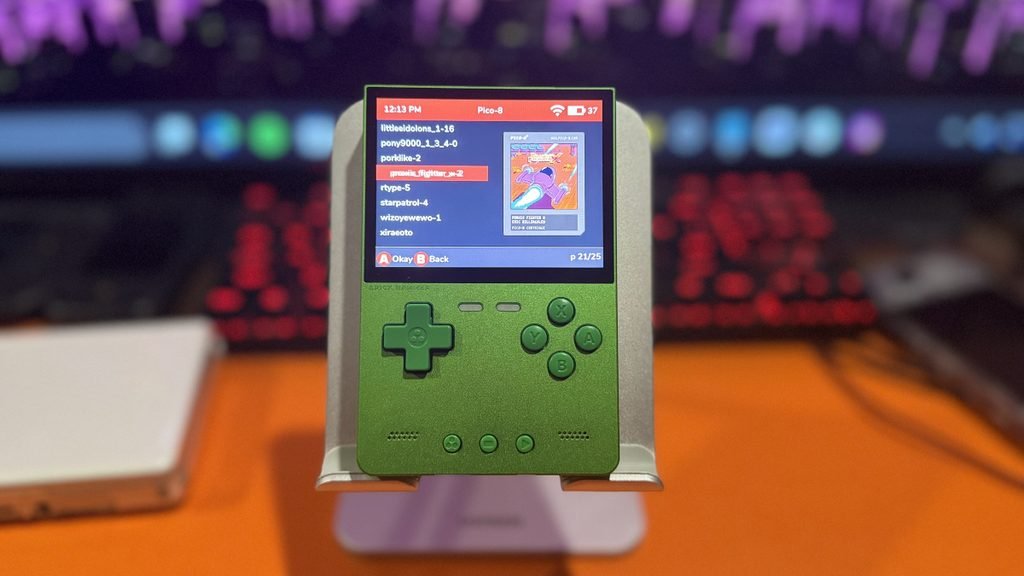
Another addition is save state support for native PICO-8. Players can now access the spruceOS in-game menu to save their progress, load an earlier save, or resume a game later. Save states can also move between devices that use the same PICO-8 version. This includes the Miyoo A30 and Miyoo Mini family, while compatible 64-bit devices share another set of saves.
spruceOS 4.5.6 expands emulation support with several new cores and updates to existing ones. The Casio Loopy joins the list of supported systems through the Gloopy core, while Game Boy Advance players have another option with armGBA. Sega Saturn support also expands through the Yabadabadoo core, which is now available on the Miyoo A30 and Miyoo Mini family. Select other handhelds can also use the core through 32-bit RetroArch.
Dreamcast emulation receives an update to Flycast 2.7 for both the standalone emulator and Libretro core. These now share the same VMU saves, while Nintendo DS emulation moves to DSperate 3.0.5. There’s also a little something extra for NES fans. The developers have included a demo of Squatch Quest, a new NES game from Seaside Studios.
The spruceOS interface, known as PyUI, has received several performance updates intended to make everyday navigation faster and smoother. Menus now target consistent 60 FPS performance, with quicker startup times and fewer unnecessary screen updates. The Miyoo Mini also reaches its main menu approximately four seconds faster. The recently played games list can now remember up to 1,000 titles, while the Game Switcher has been improved to close emulators that don’t exit normally.
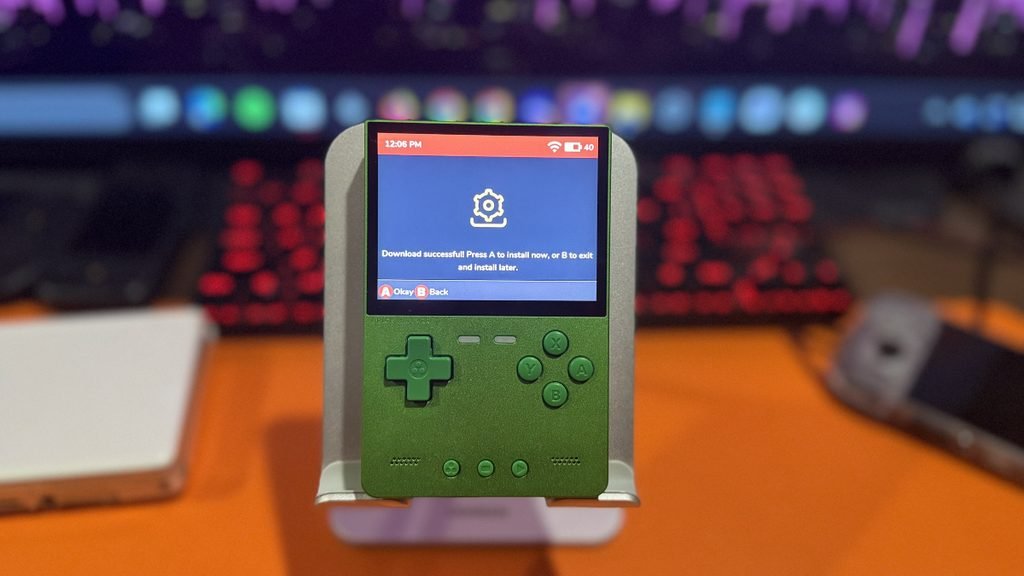
Customization also receives some attention in this release. A new Accent Color application lets users change the colors of compatible themes, while another option selects a random theme each time the handheld starts. Other additions include a Pixel Transparency shader and improvements to how themes are handled across different screen sizes.
The spruceOS Installer remains the easiest way to install or update the custom firmware. It’s available for Windows, macOS, and Linux, and can handle fresh installations, updates, required firmware images, and game artwork downloads. Existing spruceOS 4.5.4 users can also upgrade to version 4.5.6 through the provided OTA update package.
For those who prefer a manual installation, the developers provide a downloadable archive and instructions on the release page.
spruceOS 4.5.6 also includes numerous improvements and bug fixes across supported handhelds. These address Wi-Fi and Bluetooth connectivity, emulator compatibility, controller configurations, and system stability. For a complete breakdown of the changes, visit the official release notes.
| spruceOS v4.5.6 Release Notes | Official changelog, new features, supported devices, and bug fixes. |
| spruceOS Wiki | Installation guides, configuration, and documentation. |
| spruceOS Installer | Downloads and installation tools for Windows, macOS, and Linux. |