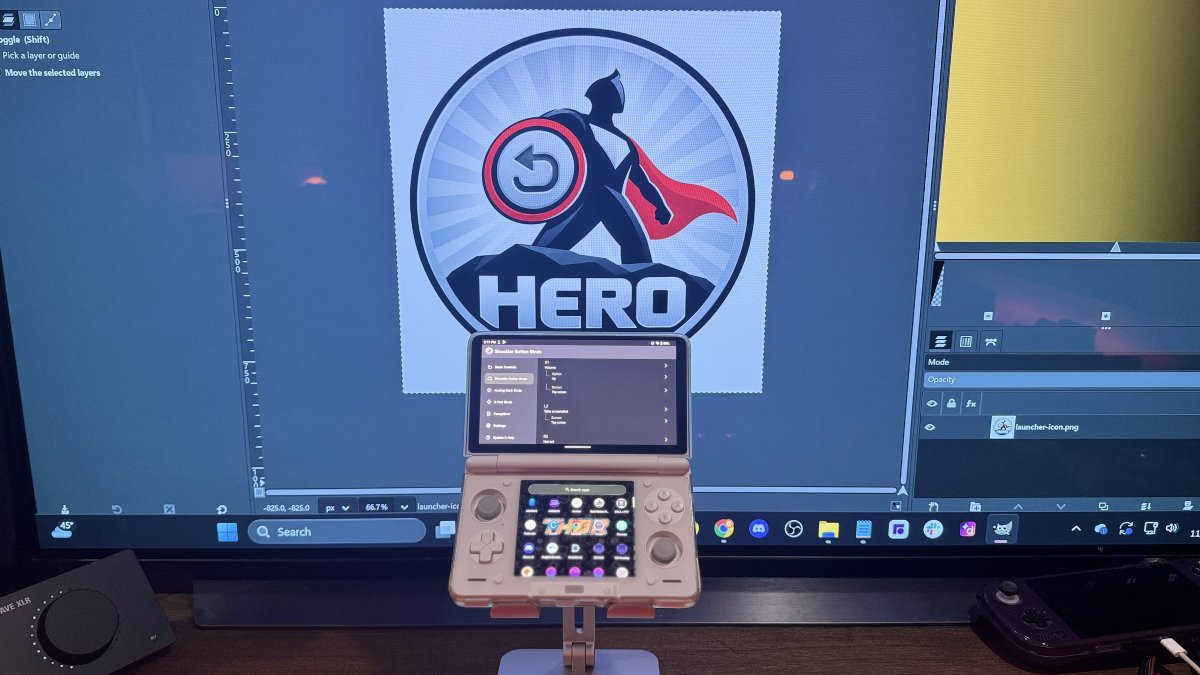
Sometimes, you just need a little motivation to get out of a creative slump. I did not predict that an app called Thor Back Button Hero would be the one to get the creative juices flowing on a Sunday, but here we are.
I love this app. It’s so cool, easy to use, and just works. Why can’t life be like that?!
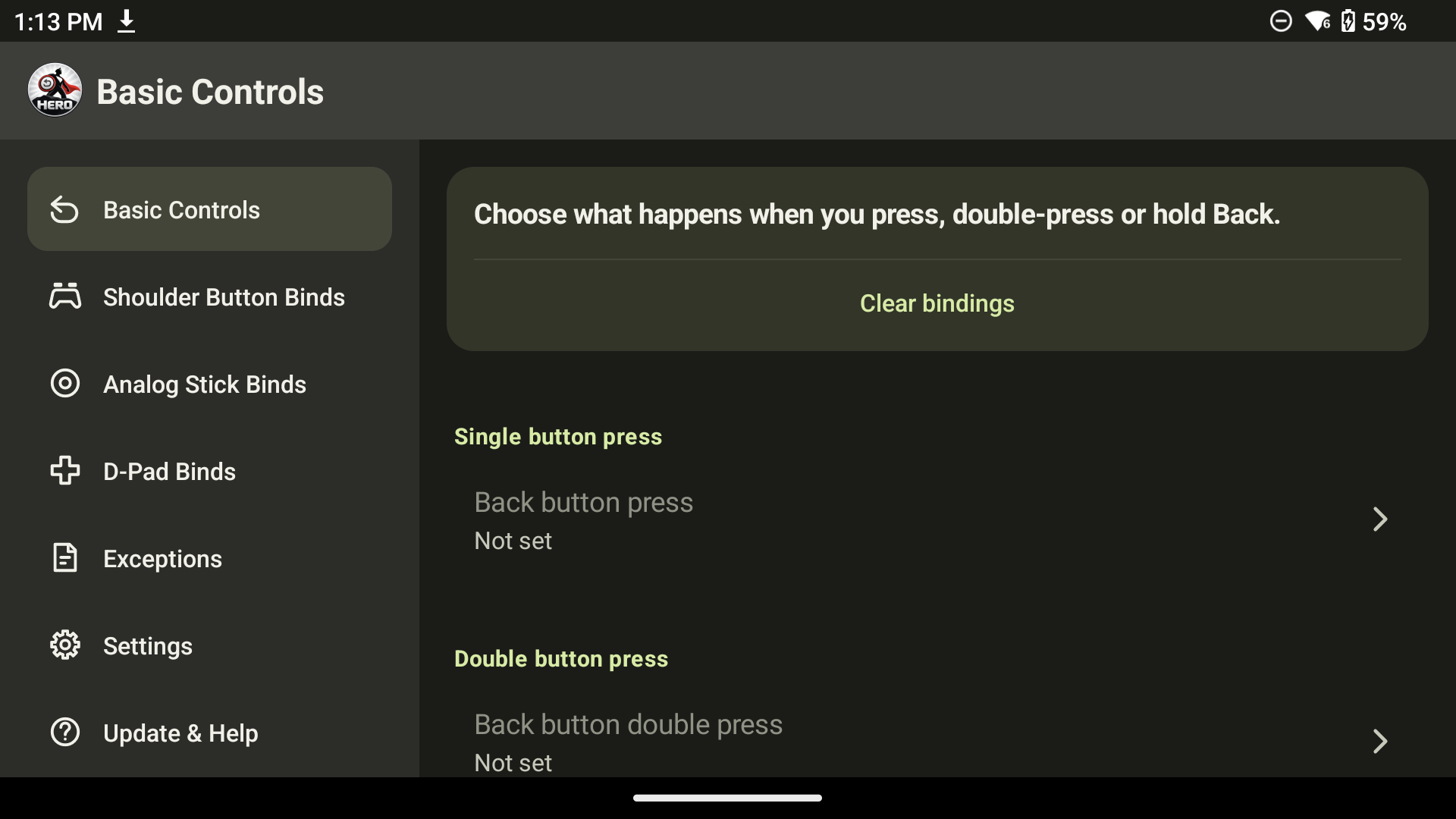
Thor Back Button Hero, a free, open-source utility for the AYN Thor, has received a major update with version 1.5.0. Developer Denis Steinhorst has expanded the app’s customization options with new analog stick shortcuts, Back button gestures, and additional system controls.
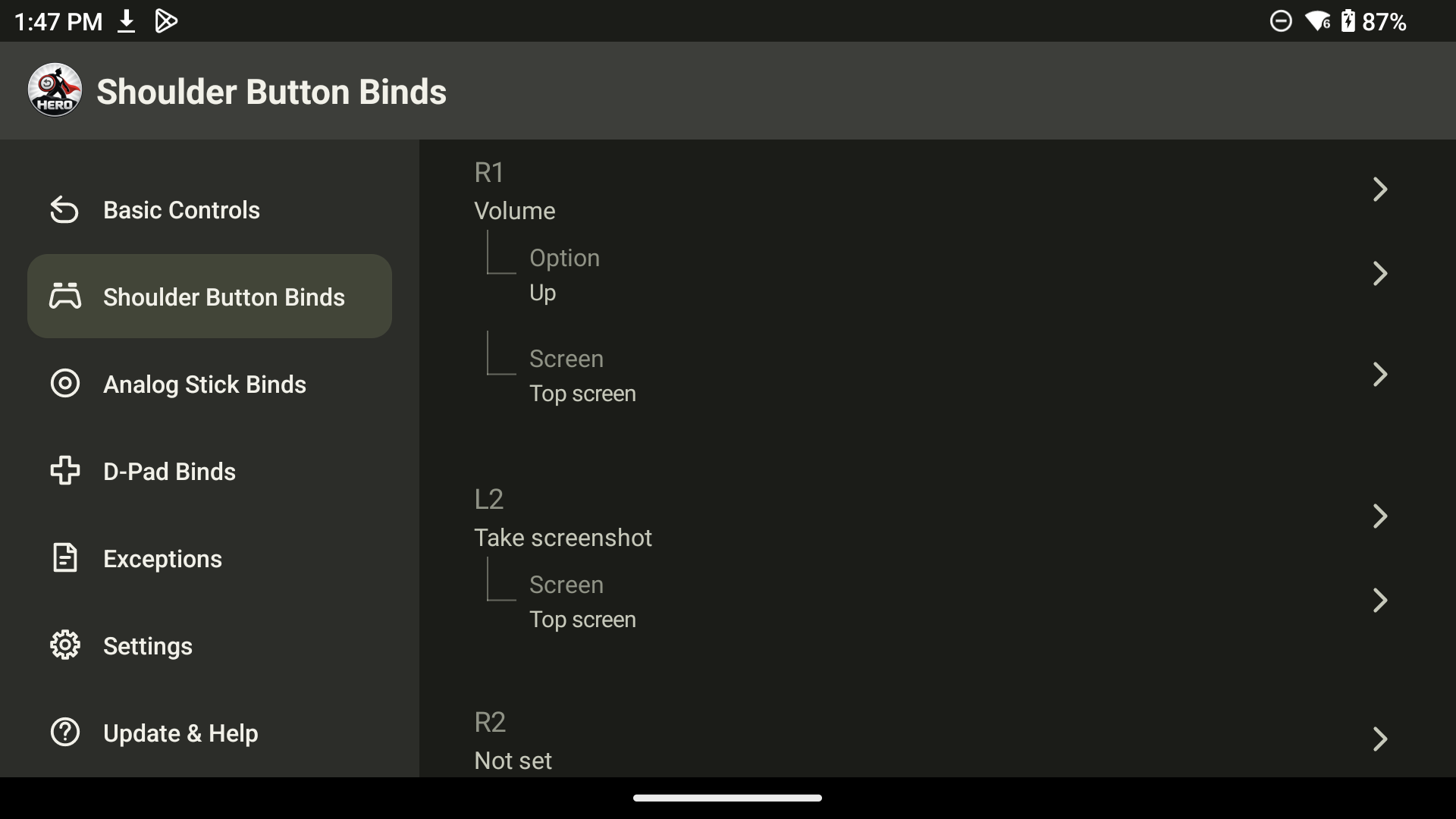
According to Denis’ post on Reddit, Thor Back Button Hero has been downloaded nearly 1,500 times. Well, with my help, he’s now one download closer to that milestone. With 26 customizable shortcuts and 67 available functions, users have plenty of options. These include screenshots of either or both screens, app switching, controller focus, and individual screen brightness controls.
Both analog sticks now support customizable shortcuts when paired with the Back button. Users can assign actions to all four directions on either stick, while L3 and R3 support single-click, double-click, and tap-and-hold gestures. The Back button itself is now fully customizable, with four gestures, each with its own assigned action. New installations start with these gestures unassigned, while existing users retain their previous configurations.
Version 1.5.0 also expands the available system controls. Users can assign shortcuts to turn screens on or off, switch performance and fan modes, and toggle vibration.
Now excuse me, I have to go fire up all my favorite games and relentlessly use the screenshot shortcut. Does this thing work on the Odin 3?
| Additional Features | |
|---|---|
| In-App Updates | Install future versions directly through the app after the initial 1.5.0 APK installation. |
| Settings Backup | Save and restore configurations through Settings → Backup. |
| Configuration Sharing | Share saved settings files with other users. |
| Additional Controls | |
| Per-App Exceptions | Disable shortcuts for individual games that require those buttons. |
| Controller Style | Assign shortcuts to change the controller style. |
| App Management | Move the active app between the Thor’s two screens. |
| Other Details | |
| Browser Demo | Try the interactive app simulation without an installation. |
| Privacy | Free, open source, with no ads or tracking. |
Video credit: Denis Steinhorst, developer of Thor Back Button Hero.
| Download v1.5.0 | GitHub Releases |
| Installation | Download the APK and install it on your AYN Thor. |
| Permissions | Requires Android Accessibility Service access for supported shortcuts. |
| Thor Back Button Hero | GitHub |
| Thor Back Button Hero 1.5.0 | Release Notes |
Have something to add? Join the PlayItAgain.gg community on Discord to share your thoughts, ask questions, and talk handheld gaming.
JOIN THE CONVERSATION