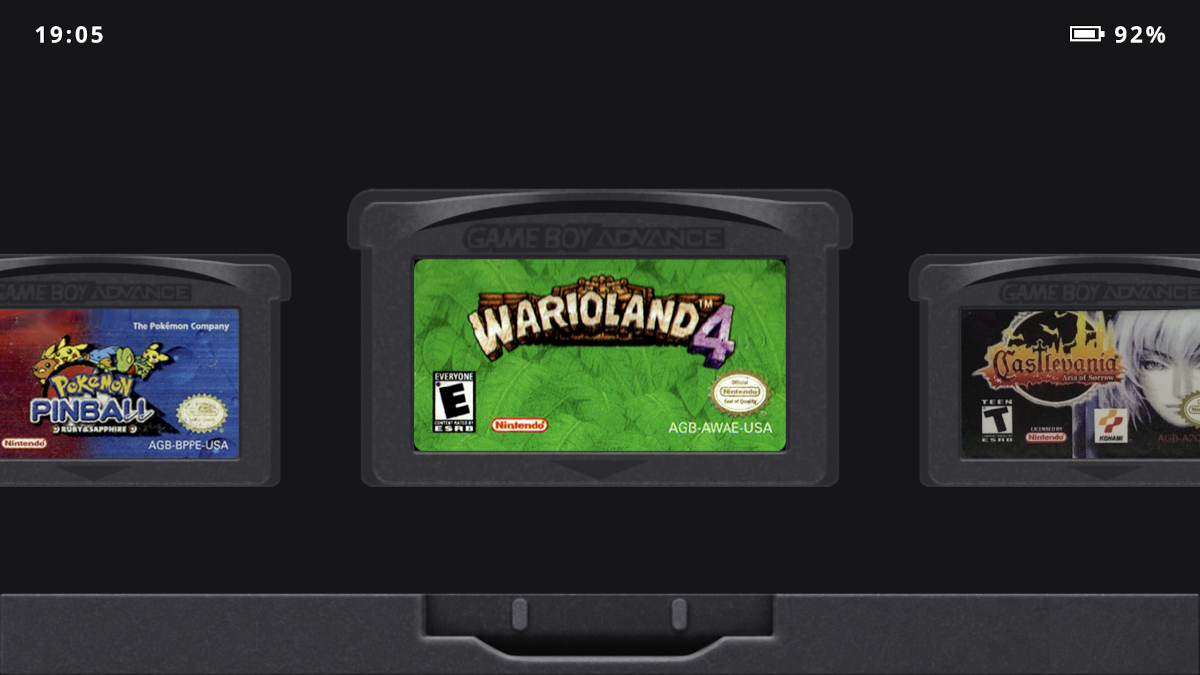
I’ve written about Slot a few times now. Twice about Brandon Kowalski’s original project, and once about Slot-Brick. In today’s monthly installment of Slot coverage, I’ve spent some time with Slot for Android on the AYN Thor. At this rate, I might need to give Slot its own category on Play It Again.
If you’re unfamiliar with Slot, it is a cartridge-based emulation frontend that recreates the experience of browsing through a physical game collection. I’ve previously covered its original release, subsequent improvements, and the Slot-Brick adaptation. Originally developed by Brandon Kowalski, Slot has since received an unofficial Android port from developer Baggio94, so naturally, I had to give it a try.
Version 2.0 of Slot for Android expanded support beyond the KONKR Pocket Advance to other Android handhelds, with six supported systems: Game Boy, Game Boy Color, Game Boy Advance, NES, SNES, and Sega Genesis. Each system has its own cartridge shelf, and the emulator includes automatic cartridge artwork, built-in emulation cores, save states, RetroAchievements, and multiplayer options.
The GitHub wiki includes a dedicated guide for the RG Rotate, with recommended settings for the best experience. But since I apparently enjoy going against the grain, I installed Slot on the AYN Thor instead.
The cartridge-style presentation is the main attraction, with different cartridge designs for each platform and a collection that feels more like something you would have displayed on a shelf. Slot doesn’t attempt to turn the Thor into a dual-screen gaming experience. Its appeal is much simpler: giving retro games a little more personality before you even start playing.
Check out my video below to see Slot for Android on the AYN Thor.
| Game Library | |
|---|---|
| Supported Systems | GB, GBC, GBA, NES, SNES, and Genesis / Mega Drive |
| Cartridge Interface | Virtual cartridges with labels, animations, and sound effects |
| Customization | Cartridge labels, shell colors, finishes, and shapes |
| Themes | Dark, OLED, Light, and Original, with shelf wallpapers |
| Emulation | |
| Emulation Cores | Two built-in cores per supported system |
| Save Features | Save states, automatic saves on eject, and rewind |
| Performance | Fast-forward and adjustable display settings |
| Visual Effects | LCD / CRT shaders, overlays, color correction, and frame blending |
| Additional Features | |
| RetroAchievements | Online and offline achievements with synchronization |
| Multiplayer | Link Cable, Wireless Adapter, and two-player netplay |
| Cheats | Built-in RetroArch cheat database |
| RomM | Download games from your own RomM server |
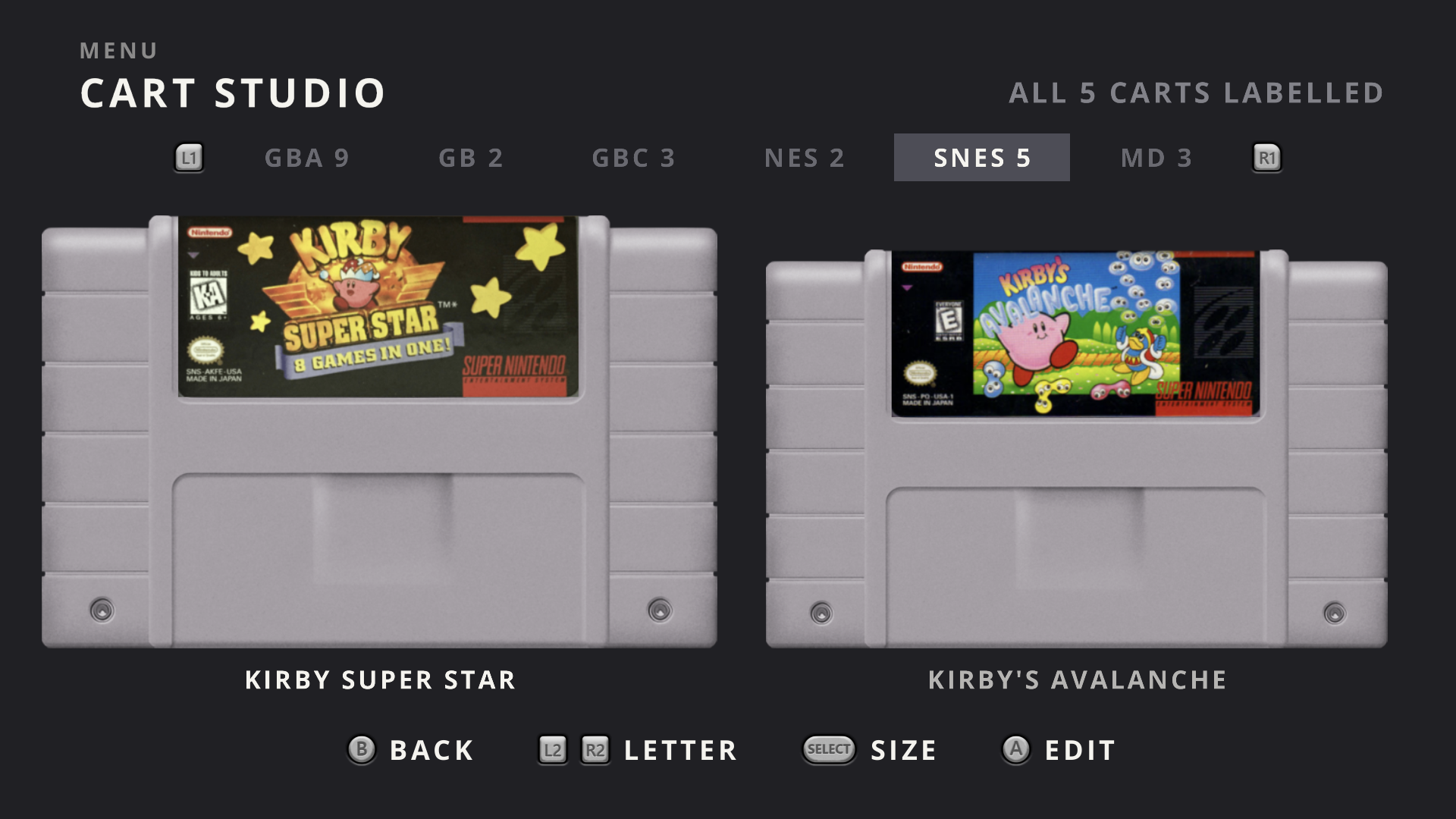
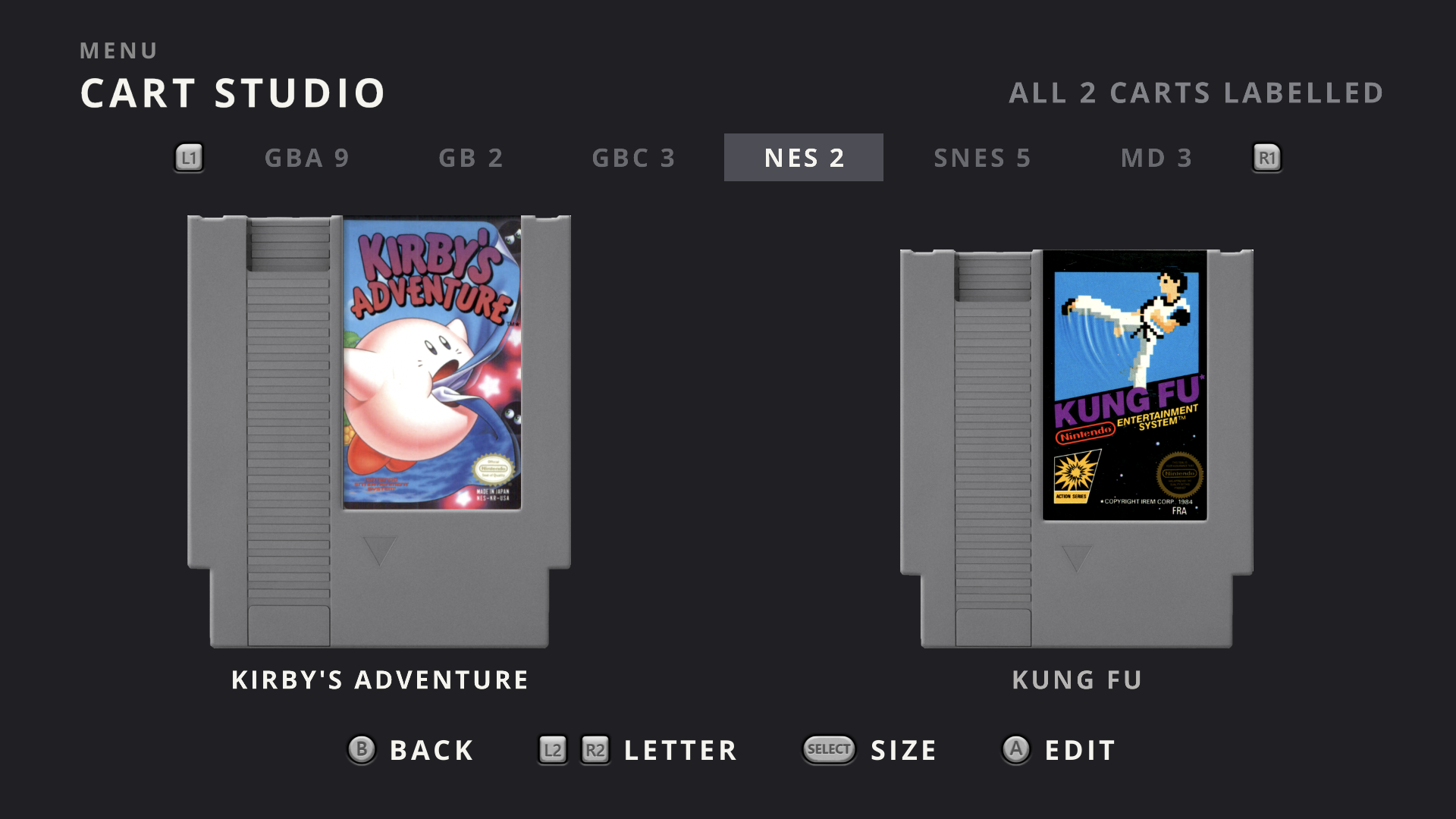
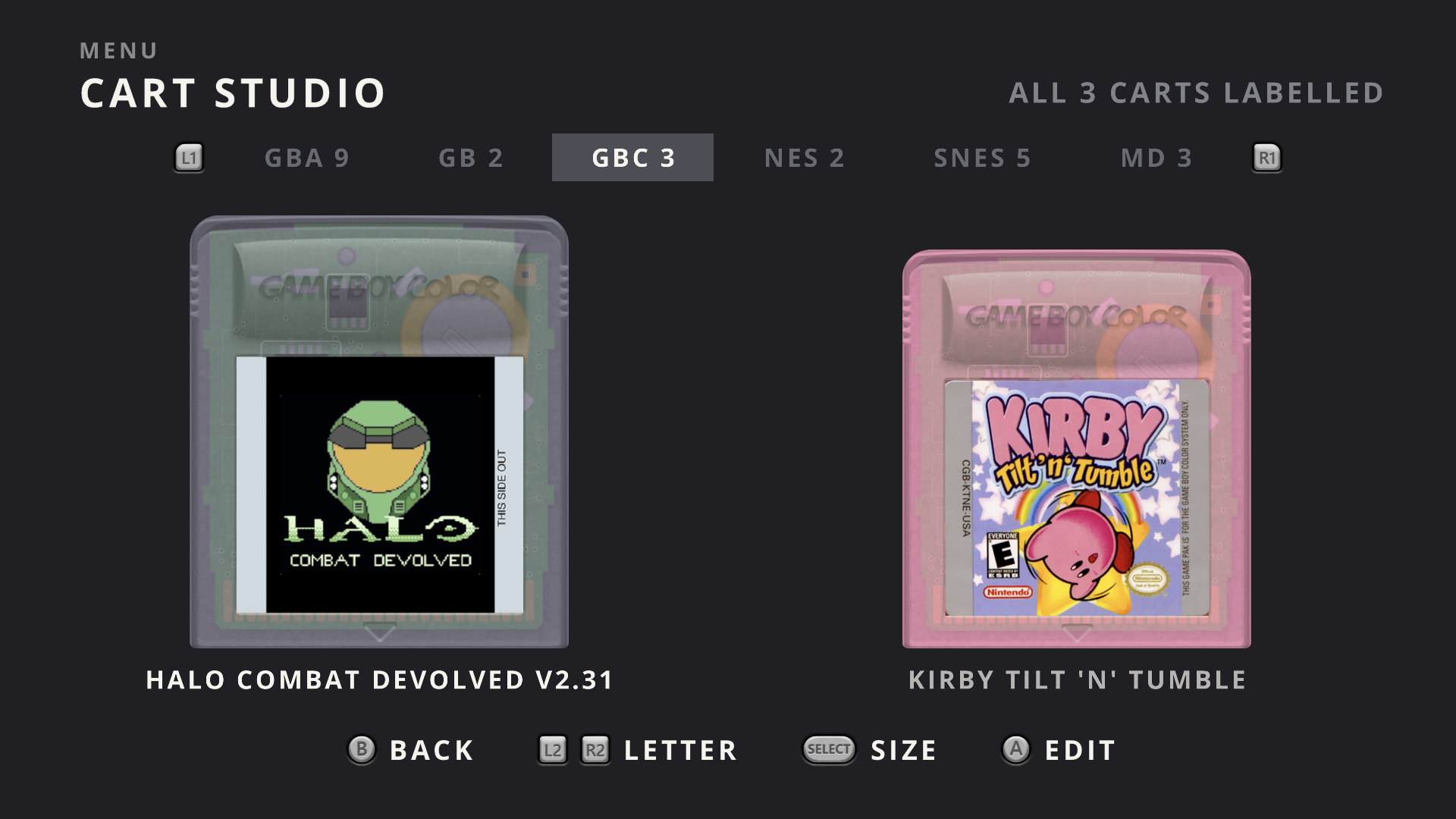
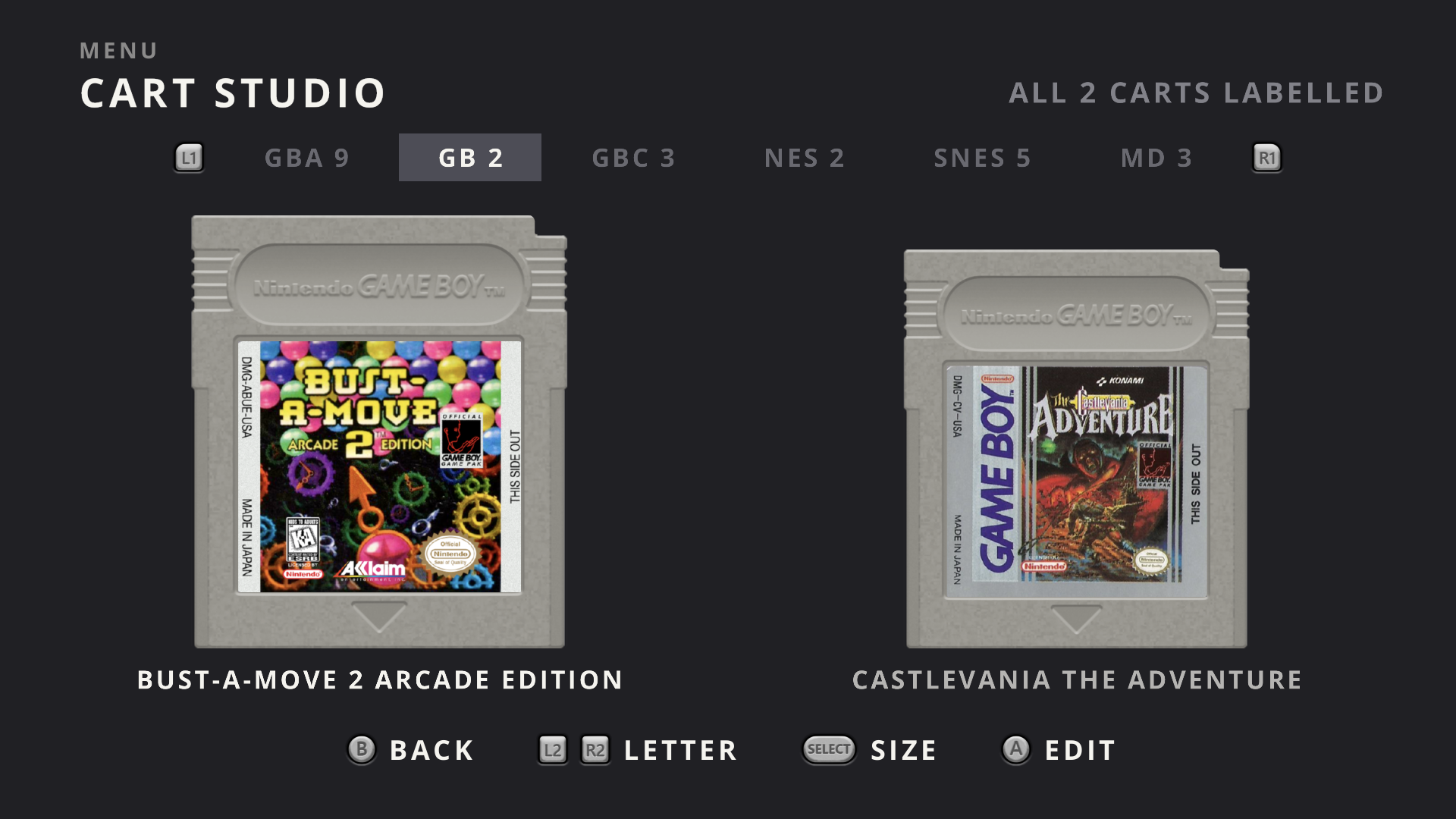
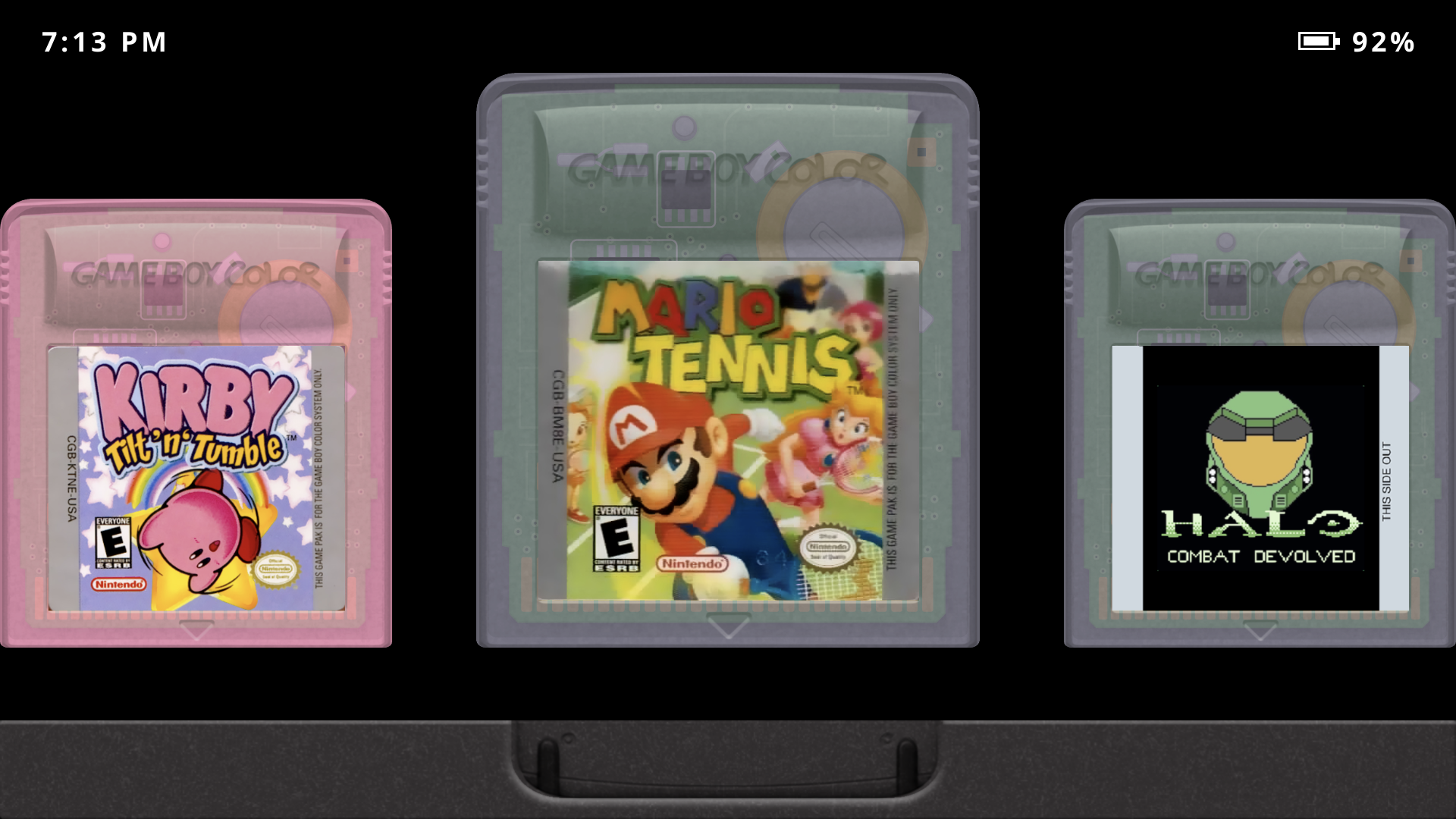
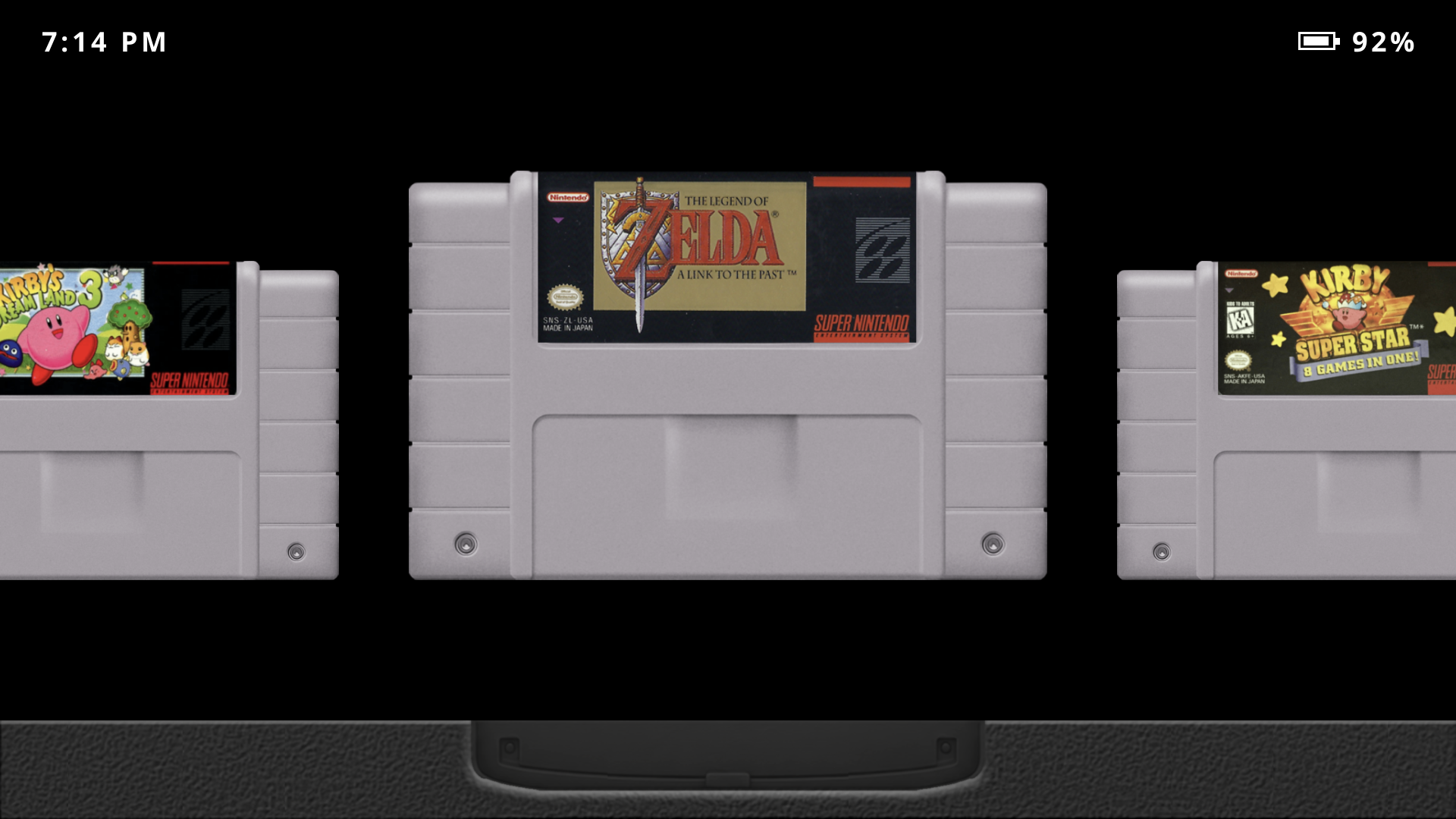
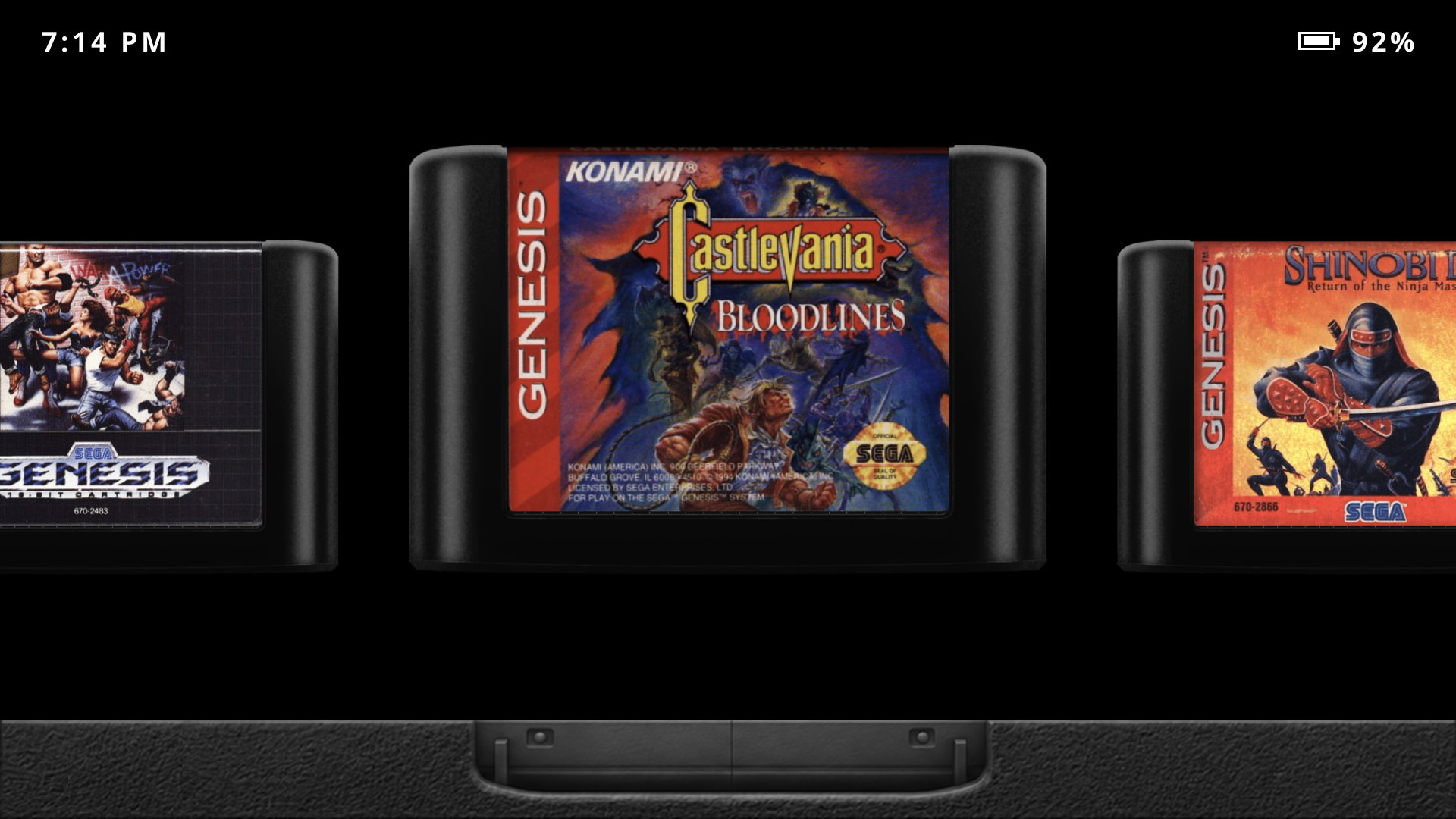
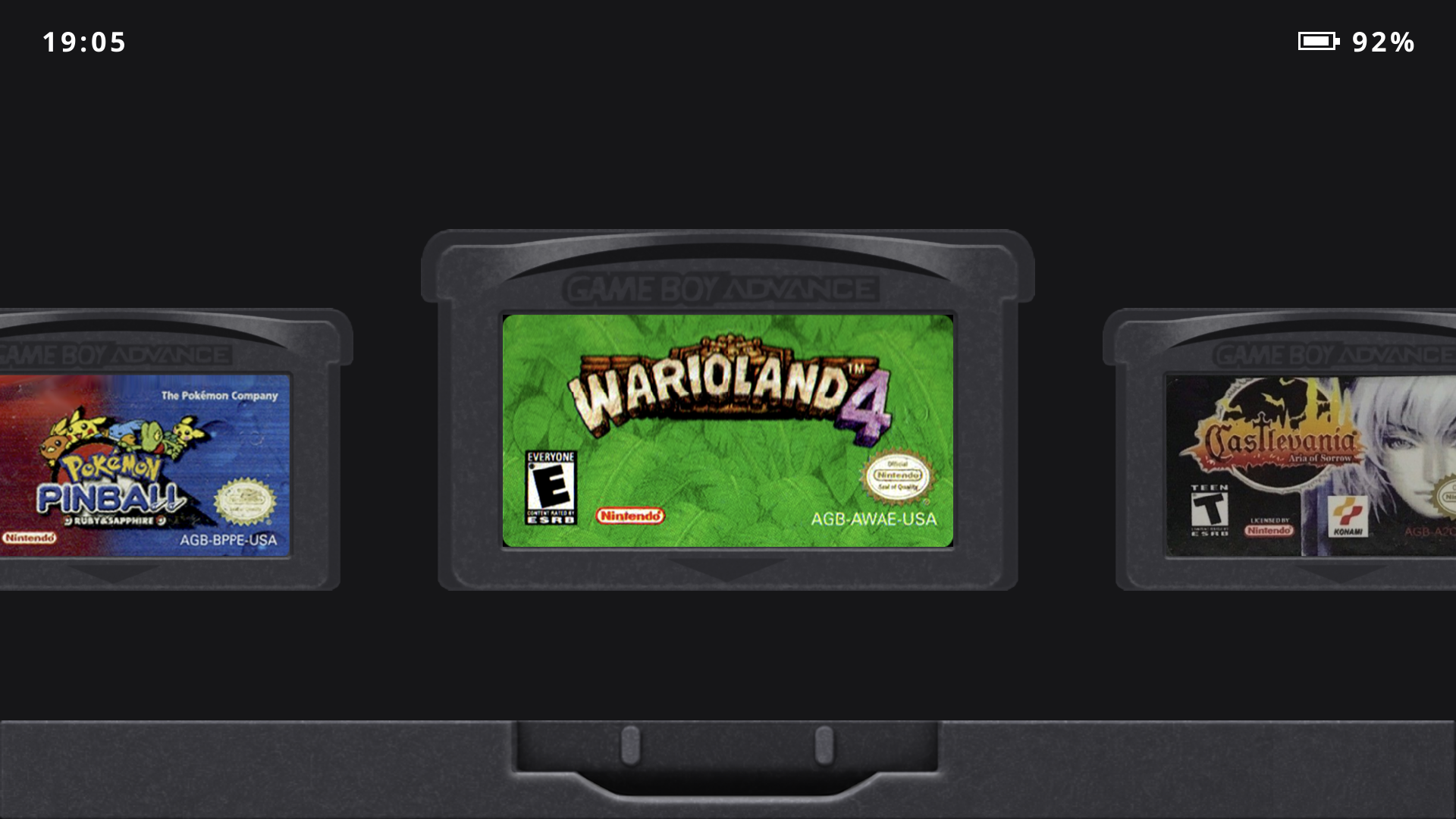
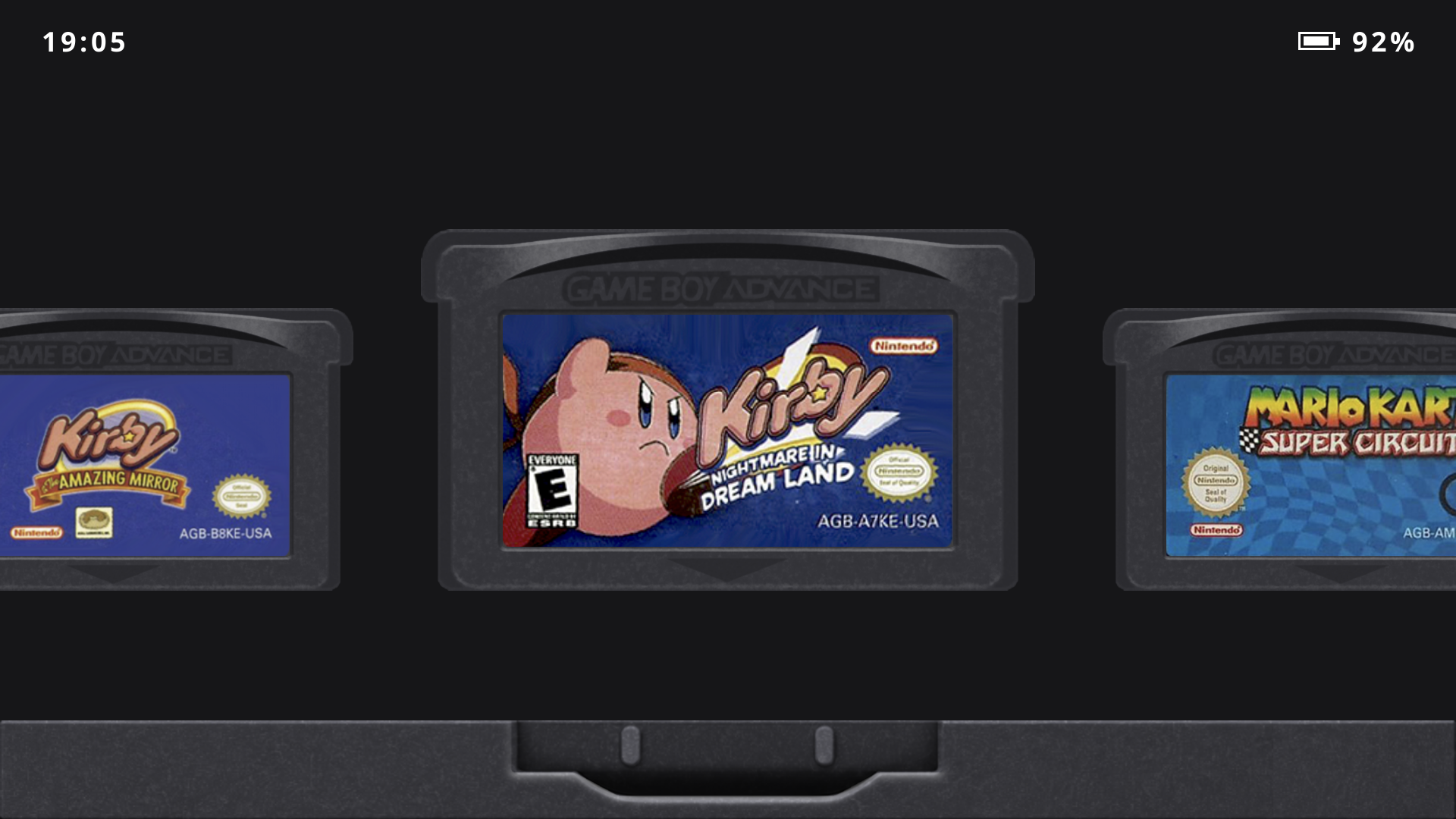
Screenshots captured by Play It Again on the AYN Thor using Thor Back Button Hero.
| Requirements | |
|---|---|
| Operating System | Android 12 or newer |
| Processor | ARM64 |
| Setup | |
| Step 1 | Download the latest APK from GitHub Releases. |
| Step 2 | Open the APK on your Android handheld and install the application. |
| Step 3 | Launch slot. and press START to open the main menu. |
| Step 4 | Select Library → Choose ROM Folder and select the parent directory that contains your games. |
| Step 5 | Return to the cartridge shelf, select a game, and press A to launch it. |
| Updates | |
| Check for Updates | START → About |
| Manual Update | Install the newer APK over the existing version to preserve settings and saves. |
| slot. for Android | GitHub Repository |
| slot. for Android Releases | Downloads and Release Notes |
Have something to add? Join the PlayItAgain.gg community on Discord to share your thoughts, ask questions, and talk handheld gaming.
JOIN THE CONVERSATION